
Service · one-time
ChatGPT Ads launch and setup
Everything between deciding to try ChatGPT Ads and a first campaign you can trust: the fit check, account setup and verification, tracking, campaign structure, first hints and ads, and a 30-day test plan with stop rules.
At a glance
| Format | One-time |
| Covers | Fit check, account, tracking, structure, first ads |
| Ends with | A 30-day test plan with stop rules |
| Then | Ongoing management, or run it yourself |
Included
From zero to a test you can judge
- A fit check against OpenAI’s ad policy, where self-serve is available, and your budget
- Step-by-step help creating and verifying your advertiser account
- OpenAI’s Measurement Pixel and Conversions API, tested end to end
- Campaign and ad group structure, objectives and bids
- First context hints and a set of distinct ad variations
- A 30-day test plan: budget, success metrics and stop rules, agreed in writing
Account setup
How an ad account gets set up
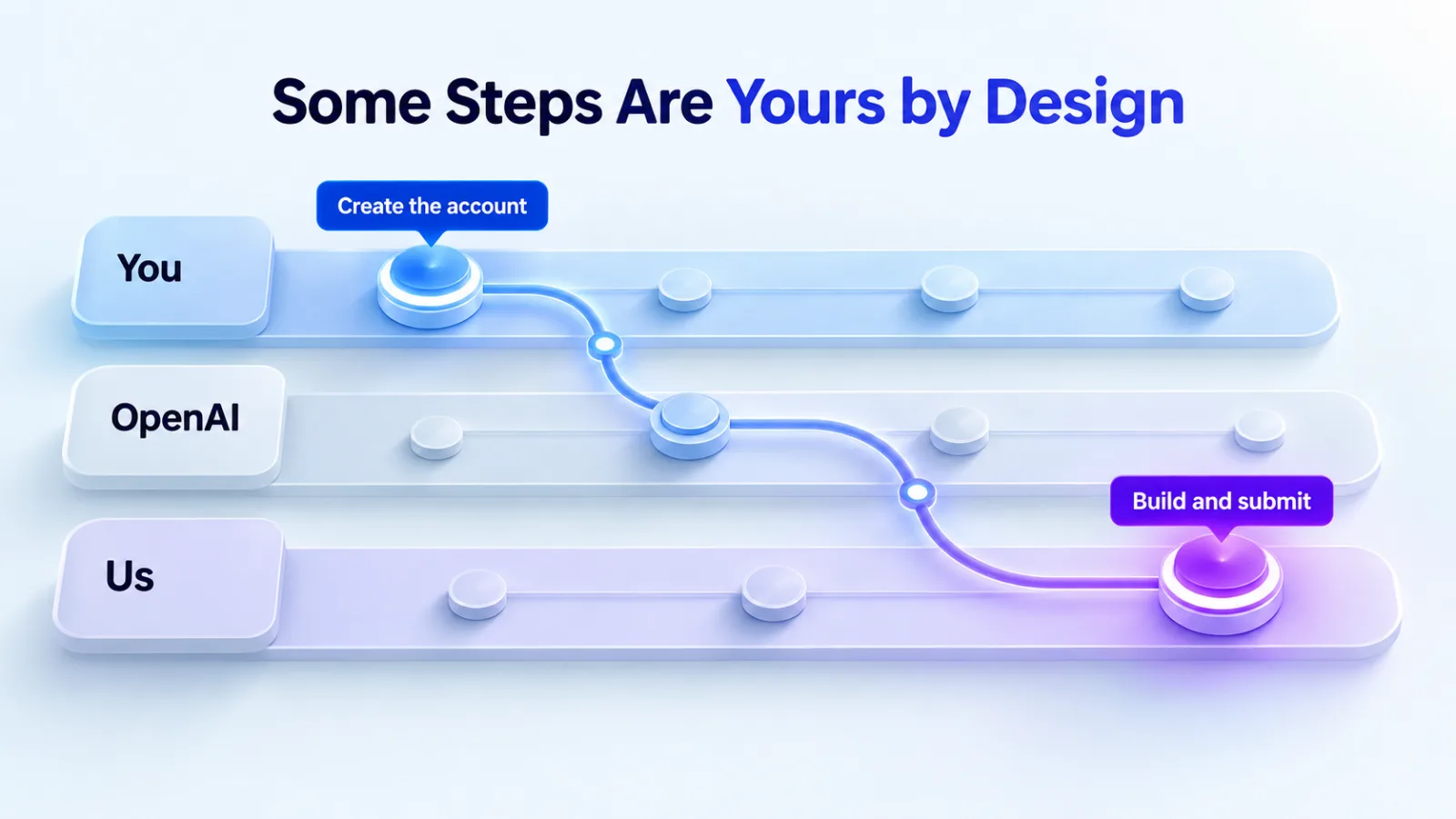
OpenAI decides the order, and some steps are yours by design. Here’s what happens, based on OpenAI’s Help Center.
Step 1 · You
Create the account
Your business signs up in Ads Manager with its website, industry, country, currency and time zone. Agencies can’t create accounts for clients.
Step 2 · OpenAI
Verify the business
OpenAI checks the business’s identity, ownership and affiliations. It can take up to seven business days.
Step 3 · You
Set up billing
Add a billing profile and a card. Charges come after ads run, and your bank may show a temporary hold when you add the card.
Step 4 · You
Invite us
An admin invites us by email with an Admin, Member or Viewer role on the ad account.
Step 5 · Us
Build and submit
We install tracking, build campaigns and submit ads for review. Account approval, ad review and delivery are separate checks.
Choose the currency and time zone carefully: OpenAI treats both as choices made when the account is created. Sources: account setup, verification, billing, account settings.
Availability
Can you buy self-serve where you are?
To use self-serve Ads Manager, the business that advertises and pays must be based in a country OpenAI lists as available. When we checked on 26 September 2026, the list showed 63 countries, including the United States, United Kingdom, Canada, Australia, India and every EU country.
The test plan
What the 30-day plan pins down
- The budget and how long it runs
- The objective and bid strategy for each campaign
- The one number that decides success, such as cost per lead against your target
- Stop rules: what happens if a campaign spends without converting
- The dates we’ll review results with you
Want to see how it works first? Our 30-day test plan guide walks through it week by week.
From you
What we need to start
- Someone who can create the ad account and complete business verification
- Access to your website or tag manager to install the pixel
- A developer or integration for server-side events, if you want the Conversions API
- Brand assets, product or service details and the landing pages to use
- Read access to GA4 and your CRM
Questions
About setup
How long does setup take?
Most of the waiting is on OpenAI’s side: business verification can take up to seven business days, and every ad goes through review before it runs. We start building as soon as we have access.
Can you create the ad account for us?
No. OpenAI doesn’t support agencies creating advertiser accounts on a client’s behalf. We’ll walk you through creating it, and you invite us once it exists.
Our website blocks bots. Is that a problem?
It can be. OpenAI says landing pages must not block its user agents, OAI-AdsBot and OAI-SearchBot. We check your robots.txt, firewall and bot protection during setup.
Do we need a developer for tracking?
Not always. The pixel installs like other site tags, and Shopify stores can connect through the ChatGPT Ads app. The Conversions API sends events from your server, so it usually needs a developer or an existing integration.
What if our verification fails?
OpenAI emails the reason and a way to appeal, which you can also do from Ads Manager. We’ll help you check what didn’t match before you appeal.
Related services