
Service · one-time
ChatGPT Ads account audit
Your ads are live, but something’s wrong: no impressions, rejected ads, verification that won’t finish, or conversions that never show up. We find the cause and give you a fix list in order of what matters most.
At a glance
| Format | One-time |
| For | Live accounts with a problem |
| Covers | Delivery, review, verification, tracking |
| You get | A fix list ordered by impact, and a call |
What we check
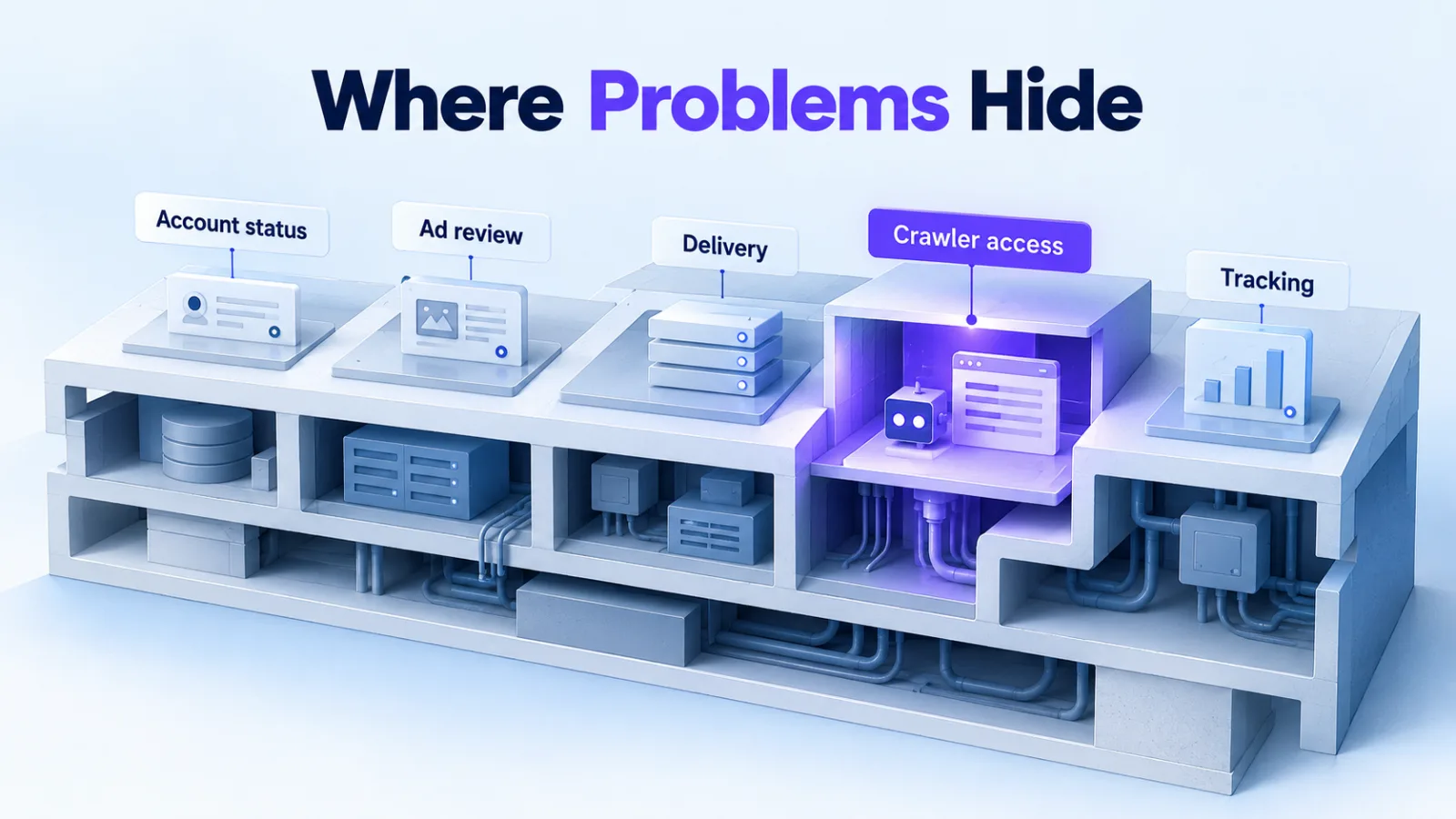
Eight places problems hide
- Account status: verification, approval and billing
- Ad review: rejections and the policy behind each one
- Delivery: bids against Ads Manager’s bid guidance, budgets and pacing
- Relevance: context hints, ad copy and landing pages
- Targeting: locations, platforms and audiences
- Crawler access: whether your pages block OAI-AdsBot or OAI-SearchBot
- Tracking: pixel, Conversions API, event IDs and UTM parameters
- Reporting: attribution windows and what your analytics should show
Troubleshooting
Common problems and where we look first
Based on how OpenAI documents each part of the platform.
| Symptom | Where we look first | Source |
|---|---|---|
| Verification pending | OpenAI says business verification can take up to seven business days. After that, contact Ads Support. | Help Center |
| Verification failed | It fails when OpenAI can’t verify the business’s identity, ownership or affiliations. The rejection email explains how to appeal. | Help Center |
| Ad rejected | The ad, its image and the landing page must all meet the ad policy. Ads can be rejected as misleading, inconsistent or containing disallowed content. Editing a rejected ad sends it back for review. | Help Center |
| No impressions | Review status first, then the bid against Ads Manager’s bid-strength guidance, the daily budget and how narrow the targeting is. | Help Center |
| Spend looks wrong | Spend data can lag 7–8 hours, and a daily budget can spend up to twice its amount on one day while averaging out over seven. | Help Center |
| Conversions missing | Attributed conversions take 24–48 hours. After that, we check pixel events, event IDs and the attribution windows. | Help Center |
What you get
A fix list, not a slide deck
A written audit
Every issue we find, why it matters and how to fix it, ordered by impact.
A walkthrough call
We go through the findings with you and answer questions about each fix.
Optional hands-on help
Fix it yourself, have us make the changes, or move on to ongoing management.
Questions
About the audit
What access do you need?
A role on your ad account: usually Viewer for the review, and Member or Admin if you want us to make changes. Read access to GA4 helps us check tracking.
Can you get a failed verification approved?
We can’t override OpenAI’s decision. We can check what didn’t match and help you appeal, either through the link in the rejection email or from Ads Manager.
What should we send you first?
A short description of the problem, when it started, and any messages from OpenAI about your account or ads. Screenshots of the status in Ads Manager help too.
Related services
One-time or ongoing
Context hints and creative
Rebuild hints and ads that aren’t earning their spend.