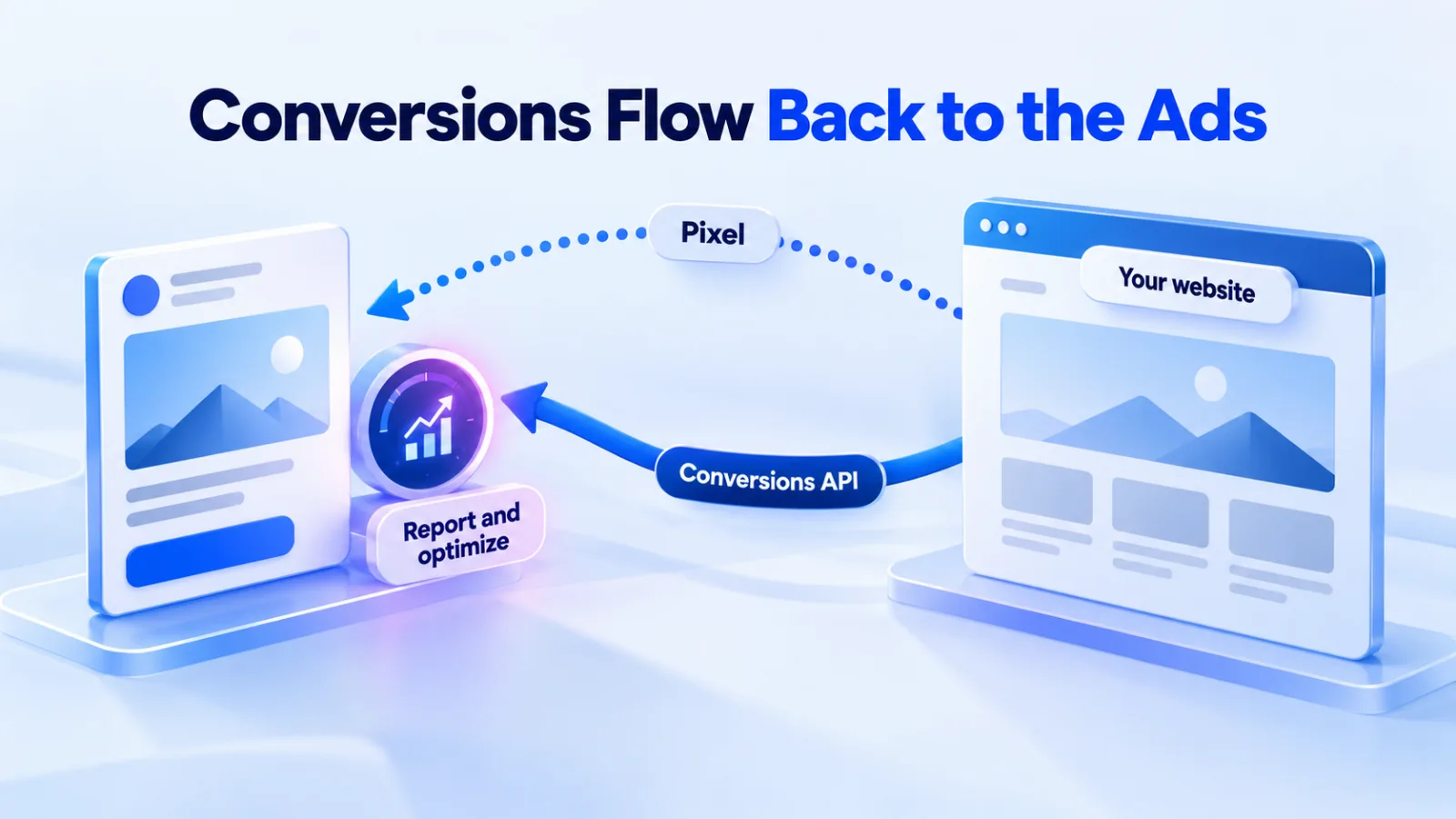
ChatGPT Ads can only report and optimize on the conversions you send back to OpenAI. There are two ways to send them: the Measurement Pixel in the browser and the Conversions API from your server. Many setups should use both, with shared event IDs so nothing counts twice. This guide covers the full setup, plus UTMs, GA4 and the reporting details that trip people up.
Checked against OpenAI’s documentation on 27 September 2026.
The toolkit at a glance
| Tool | What it does | Source |
|---|---|---|
| Pixel | JavaScript in the visitor’s browser that records actions on your website. | Developer docs |
| Conversions API | Sends events from your server, such as confirmed orders. The only way to send app installs and opens. | Developer docs |
| Events | Twelve standard events, from page views to purchases, plus custom events. | Developer docs |
| Deduplication | The same event name and event ID sent from both places count once. | Developer docs |
| UTMs | Static UTM parameters, or macros such as {campaign_id}, added to landing page URLs. | Help Center |
| Attribution | Click-through windows of 7, 14 or 30 days; view-through off or 1 day. | Help Center |
| Delay | Allow 24–48 hours for attributed conversions to appear. | Help Center |
Step 1: Install the Measurement Pixel
- Create a Pixel ID in the conversions tab of Ads Manager.
- Add OpenAI’s snippet with your Pixel ID near the top of the
<head>on every page where you want to measure conversions. OpenAI puts it early so conversions aren’t lost while the rest of the page loads. - Turn on debug mode while you test, to see Pixel activity in the browser console.
OpenAI says Google Tag Manager works, as long as it loads the snippet on the right pages and doesn’t block or reorder the calls. If your site has a Content Security Policy, allow the domains OpenAI lists: bzrcdn.openai.com for the script and bzr.openai.com for sending events.
Step 2: Send the right events
Use a standard event whenever one fits. These are OpenAI’s:
| Event | Use it for |
|---|---|
page_viewed | A visit to an important page |
contents_viewed | A product, listing or article view |
items_added | Items added to a cart or selection |
checkout_started | The start of checkout |
order_created | A completed purchase |
lead_created | A lead form sent or a contact request |
appointment_scheduled | A meeting, demo or consultation booked |
registration_completed | An account or event registration finished |
trial_started | A free trial started |
subscription_created | A paid subscription started |
app_installed | An app install (Conversions API only) |
app_opened | An app open (Conversions API only) |
Send the order value with purchases. Amounts are whole numbers in the currency’s smallest unit, so a $49.99 order is 4999. A purchase with an event ID for deduplication looks like this:
oaiq("measure", "order_created", {
  type: "contents",
  amount: 4999,
  currency: "USD"
}, {
  event_id: "order_1042"
});
Custom events cover actions no standard event describes. Their names must be 1 to 64 letters, numbers, underscores or dashes, and they can’t be the goal of a conversion-optimized campaign.
Step 3: Add the Conversions API
The Pixel only sees what happens in the browser. The Conversions API sends what your server confirms: a paid order, a lead your team qualified, or an app install, which only the API can send. Our Conversions API implementation guide covers the request, hashing and testing in detail.
- Its own key. Server events use a Conversions API key, separate from the Advertiser API key used for account management. Keep both on your server.
- The click reference. Capture the
opprefvalue from the ad’s landing page URL and send it with server events. The Pixel does this automatically; the API doesn’t. - The same event ID. Matching uses your Pixel ID, the event name and the event ID, and OpenAI keeps the first event it receives. Use one ID per action in both places.
- Safe testing. Adding
validate_only: truechecks a request without saving the events.
US Shopify stores can skip much of this with OpenAI’s Shopify app, which syncs the catalog and sends commerce events through the OpenAI Pixel for Shopify.
Step 4: Handle consent and customer data
- Consent defaults to granted. The Pixel assumes consent unless you set it to false or it finds a stored denial. If your site needs consent, call
oaiq("consent", false)before initializing and switch it to true when the visitor agrees. Events blocked while consent was off aren’t replayed. - Cookies. With consent, the Pixel sets two first-party cookies:
__oppreffor 30 days and__obreffor 365 days. Setting consent to false removes both. - Customer data. Details used for matching, such as email addresses, must be normalized and hashed with SHA-256, never sent raw. Automatic advanced matching can detect, hash and send supported form data for you.
- What advertisers see. OpenAI shares aggregated performance reporting with advertisers, never people’s ChatGPT conversations.
Step 5: Connect events to campaigns
Events count toward a campaign only when a matching conversion event setting is attached to it.
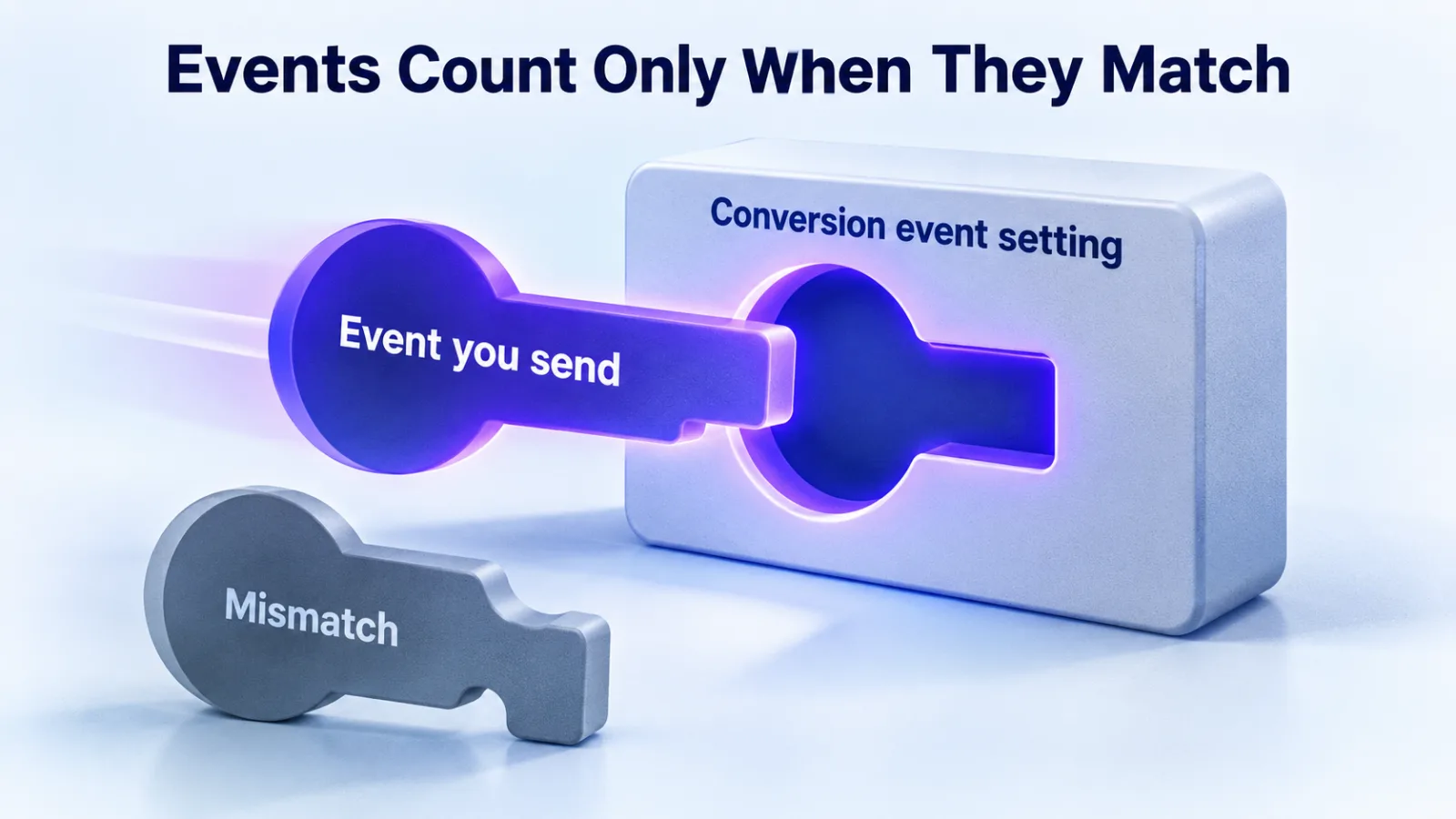
- For a standard event, the configured type must match the event you send.
- For a custom event, choose the Custom type and match the event name exactly. A matching display name isn’t enough.
- Attach the event before traffic starts. OpenAI says fixing a mismatch later doesn’t backfill earlier conversions.
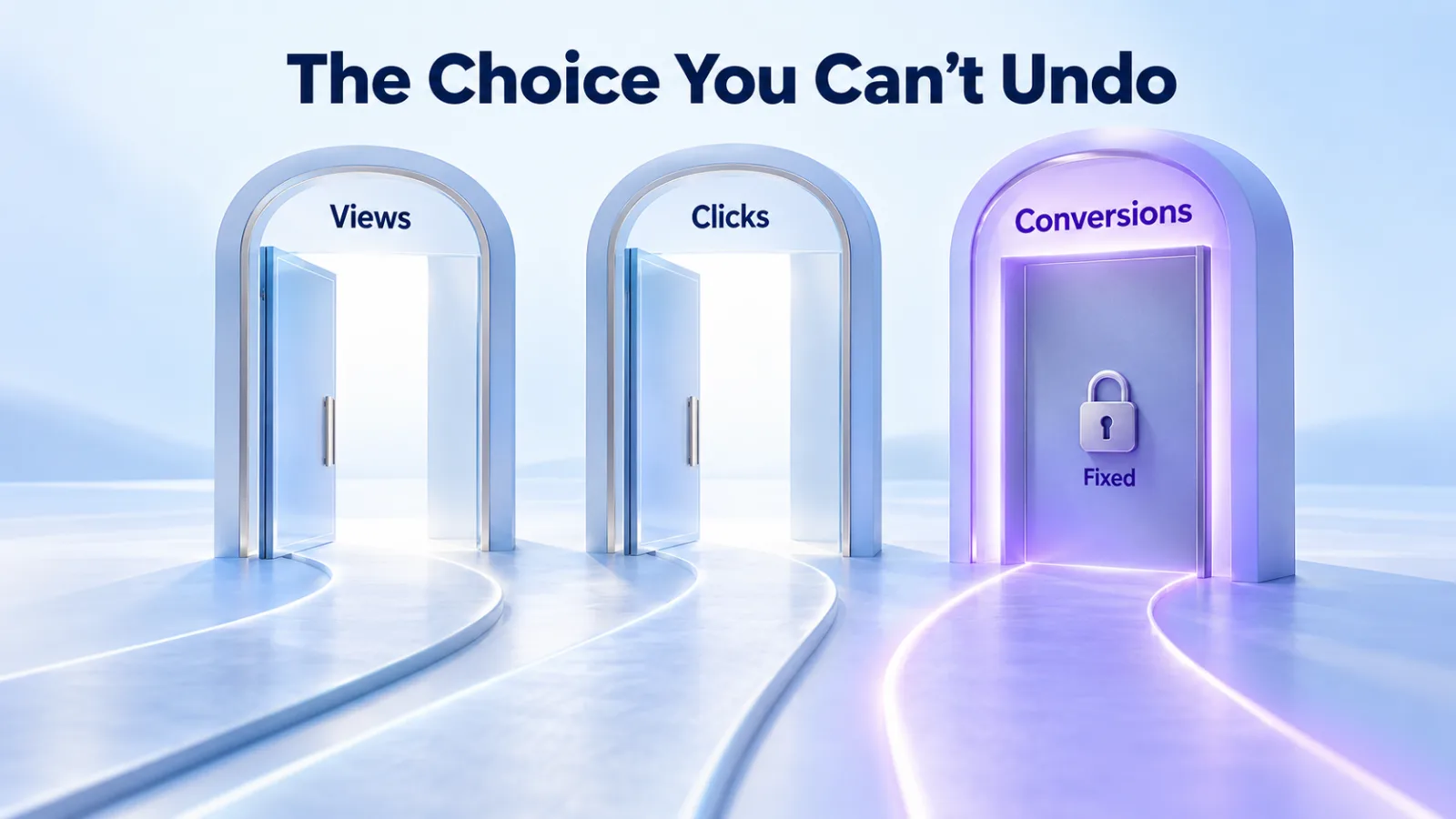
- A conversion-optimized campaign uses one standard event, chosen at creation and fixed after.
UTMs and GA4
Ads Manager and your analytics won’t agree exactly. OpenAI’s explanation: analytics sessions depend on page loads, redirects, consent settings, browser blocking, UTM handling, attribution windows and time zones. Compare the same date range and time zone before looking for a problem.
- Add static UTM parameters to each ad’s landing page URL; they carry through on clicks.
- Or use landing page query parameters with OpenAI’s macros:
{campaign_id},{ad_group_id},{ad_id}and{ad_account_id}, filled in at delivery. The most specific setting wins, from ad URL down to ad, ad group and campaign. - In GA4, give ChatGPT Ads its own channel based on your UTM source and medium, so paid clicks don’t blend into organic visits from ChatGPT.
Reading the numbers
| Setting | How it works | Source |
|---|---|---|
| Click window | 7, 14 or 30 days after a click. Reports default to 30. | Developer docs |
| View window | Off, or 1 day after an impression. When a click and a view both qualify, the click gets the credit. | Help Center |
| Model | Last-touch, not multi-touch. Changing windows changes reporting only, not bidding or billing. | Help Center |
| Dates | Conversions are dated by the ad click or impression by default. You can switch to the time of the conversion. | Help Center |
| Purchases | Order Created Sales and ROAS come only from order_created events. | Help Center |
| Delays | Impressions and clicks about 15 minutes; spend 7–8 hours; attributed conversions 24–48 hours. | Help Center |
One caution. OpenAI’s Help Center says the Conversions total includes view-through conversions when the view window is 1 day, while its developer docs describe the main Conversions metric as click-through only. Check which column you’re reading, and use the separate click-through and view-through columns when the difference matters.
Troubleshooting checklist
- The Pixel initializes with the right Pixel ID, and debug mode shows events firing.
- Amounts and quantities are whole numbers, not strings or decimals.
- Event names match the conversion settings exactly.
- Server events carry
opprefand reuse the browser’s event IDs. - Consent settings aren’t blocking events for visitors who agreed.
- You’ve waited 24–48 hours before calling conversions missing.
Questions
Do I need both the Pixel and the Conversions API?
Not always. The Pixel alone covers many websites. The Conversions API adds events your server confirms and app events. If you use both, share event IDs so each conversion counts once.
Why do ChatGPT Ads and GA4 report different numbers?
They measure different things with different rules: ad clicks against sessions, OpenAI’s attribution windows against GA4’s, and different consent and blocking effects. Compare the same dates and time zone, and treat each as its own view.
Does OpenAI use Pixel data to personalize ads?
OpenAI says it doesn’t currently use data collected through the Pixel for user-level personalization, and that it would respect each event’s opt-out setting if that changes.
Why does a conversion event show zero?
Usually the event you send doesn’t match the one attached to the campaign: a different standard event, or a custom name that isn’t an exact match. Fix it and test with new traffic; old events won’t backfill.
Want it set up and tested for you? See our tracking and measurement service.
Sources
- Measurement Pixel, OpenAI developer docs
- Conversion tracking, OpenAI developer docs
- Supported events, OpenAI developer docs
- Reporting, OpenAI developer docs
- Measure results, OpenAI Help Center
- Ads in ChatGPT and Set up ChatGPT Ads for Shopify, OpenAI Help Center
All sources checked on 27 September 2026.