
ChatGPT Ads event quality is a score and a set of warnings that Ads Manager gives each Pixel or data source. It tells you whether the conversion data you send is useful for measurement. OpenAI says it doesn’t predict campaign performance or guarantee that a conversion matches an ad. This guide explains each warning, what causes it and how to fix it without gaming the score.
Every platform fact links to OpenAI’s documentation. Where we give our own view, we say so.
What ChatGPT Ads event quality measures
Event quality looks at the conversion events a data source sends and asks whether they can be connected to ads. It checks for matching information, click information, timing, duplicates and the range of events you send. Each Pixel or data source has its own assessment.
| What it is | What it isn’t |
|---|---|
| A review of the conversion data you send | A forecast of campaign results |
| A list of setup issues to check | Proof that a conversion matched an ad |
| Refreshed daily over seven complete days | A live, real-time check |
| A guide to your integration | A target to push up with extra data |
It refreshes daily, using seven complete calendar days. OpenAI allows time for recent events to arrive. After you fix something, the score can improve gradually as older events leave the window. If a refresh is late, the previous score stays visible.
The rule that comes first
OpenAI sets one rule above every fix. Send only information you’re permitted to share, and respect each person’s privacy and consent choices. Use real customer information and real business actions.
Don’t send extra events, invent identifiers or change event times to raise a score. Each fix below improves the data itself. If a fix would mean sending something you aren’t allowed to send, leave the warning and accept a lower score.
The nine warnings
Ads Manager can show nine warnings. Each one points at a different part of your integration.
| Warning | What it points at |
|---|---|
| Limited email or customer ID information | Identifiers on conversion events |
| Ad click information is missing or can’t be connected | The oppref click reference |
| Conversions API events are delayed | Server events sent late |
| Conversion matches need review | Duplicates, timing and repeated callbacks |
| Many conversions are linked to the same ad interaction | Events concentrated on a few clicks or views |
| Limited additional matching information | Phone, name, location, IP address and user agent |
| Limited event types observed | How much of the funnel you track |
| Limited Pixel and Conversions API activity | Whether events arrive at all |
| Limited activity for a configured conversion goal | A goal with few or no events |
Start with the warnings you can check in your own code: missing matching information, delayed server events and repeated firing. Those are the most common and the easiest to verify.
Limited email or customer ID information
The events eligible for this check carry little email or stable customer ID information. These identifiers help connect an event to the right person. OpenAI notes that a low result can also reflect a processing or integration problem.
- Include an email address or your own stable customer ID through the fields your integration supports.
- Keep the same customer ID for the same person. Never reuse a shared or default ID for different people.
- Follow the normalization and hashing rules, in both browser and server code if you use both.
- Test a completed conversion through the normal checkout or sign-up path and check the fields arrive.
Ad click information is missing or can’t be connected
Some conversions linked to an ad click arrived without click information that connects to that click. OpenAI says this covers only the clicked conversions it can assess.
- Keep the oppref parameter when someone lands from an ad, through every redirect and page change.
- If you use the Conversions API, pass that person’s click information into the server event.
- Test the full path, including tracking links, redirects, checkout and any hand-off to your server.
- Never reuse another person’s click information or fill in a default value.
Conversions API events are delayed
Some server events arrived too long after the action, or their timing couldn’t be read. The check looks for events received within one hour of the action.
- Send the event promptly once the business action is confirmed.
- Check scheduled uploads, queues, failed requests and retry delays.
- Keep the original action time when you retry. Don’t replace it with the upload time.
- Check the timestamp format, units and server clock. The API expects milliseconds.
Conversion matches need review
Some potential matches were removed during attribution checks. Causes include repeated callbacks for one action, inconsistent timing or too many matches on one ad view. OpenAI says this doesn’t mean your business events were deleted or all invalid.
- Fire a conversion only after a real action, such as a confirmed order.
- Look for repeated page loads, duplicate tags, callbacks and retries.
- Use one event ID for every copy of the same action, including browser and server copies. Use different IDs for different actions.
- If the events are accurate and the warning stays, contact support with the data source, event names, dates and checks you made.
Many conversions are linked to the same ad interaction
The conversions OpenAI can assess are unusually concentrated on some clicks or views. A customer can legitimately complete several actions after one interaction, so this warning alone doesn’t prove duplicates.
- Check whether a refresh, callback or retry resends the same action.
- Give distinct actions distinct event IDs, and keep the original ID on retries.
- Check that events fire at the intended stage of the purchase path.
- If the pattern is real, such as repeat purchases, keep the events and explain it when you ask support to review.
Limited additional matching information
Eligible events carry little extra matching information. This check looks at phone numbers, name and location, and the combination of IP address and user agent. It measures whether the information is present, not whether matching succeeded.
- Include a phone number where you have it and may share it.
- For name and location, send first name, last name, postal code and country for the same person.
- For server events, forward the real visitor’s IP address and user agent. Never send your server’s own address.
- Keep sending email or customer ID information as well.
Limited event types observed
OpenAI saw little activity across three groups of standard events: browsing, intermediate actions and completed outcomes. Not every business has every stage, and this check doesn’t confirm that your whole funnel is tracked.
- Map the real steps in your customer journey.
- Track the steps that apply, such as viewing content, adding items, starting checkout or submitting a lead. Then track the outcome: an order, a trial or a booking.
- Use a standard event when it accurately describes the action. Custom events don’t count toward this check.
- Don’t create artificial funnel stages to clear the warning.
Limited Pixel and Conversions API activity
OpenAI hasn’t seen enough accepted events from the Pixel or the Conversions API to assess them. Installing an integration doesn’t prove events are arriving.
- Check that the Pixel sends browser events and the API sends confirmed server outcomes.
- Check that requests are accepted, and sent to the right data source.
- When both report the same action, use the same Pixel ID, event name and event ID.
- Don’t send an outcome before it happens.
Limited activity for a configured conversion goal
At least one conversion goal has very few or no events in the window. Other goals can be healthy while this warning shows. Events count here even if they didn’t match an ad.
- Compare the goal’s event name and setup with what your integration sends.
- Confirm the event fires on the real action and that recent events arrive.
- Remove goals that no longer describe actions you want to measure.
- If the action is rare, keep monitoring. Low volume alone isn’t a setup fault.
Why a score can be unavailable
An unavailable score isn’t a score of zero. OpenAI lists five reasons a score or check may be missing.
| Status | What it means | What to do |
|---|---|---|
| No configured conversion goals | Nothing is set up to assess | Configure the actions you want to measure |
| Not enough conversion activity | Too few recent events for a useful score | Check the setup and let real activity build |
| Not enough attribution evidence | Events arrive, but few connect to clicks or views yet | Wait. It doesn’t mean you have no conversions |
| Limited information for a check | One check needs more eligible events | Nothing. Missing information isn’t a failed check |
| Data is still being processed | The first or latest assessment isn’t ready | Come back later. Contact support if it persists |
Where each identifier goes
Most warnings come down to which fields you send and how you prepare them. The Pixel and the Conversions API use slightly different field names.

| Identifier | Pixel field | Conversions API field | Prepare it |
|---|---|---|---|
| email_sha256 | emails_sha256 | Trim, lowercase, then SHA-256 | |
| Phone | phone_number_sha256 | phone_numbers_sha256 | Keep the country code, strip symbols and a leading plus or zeroes, then SHA-256 |
| Customer ID | external_id_sha256 | external_ids_sha256 | Trim only, then SHA-256 |
| First and last name | first_name_sha256, last_name_sha256 | first_names_sha256, last_names_sha256 | Lowercase, remove spaces and punctuation, keep accents, then SHA-256 |
| Location | country, city, region, postal_code | countries, cities, regions, postal_codes | Sent raw, not hashed |
| Click reference | Captured automatically | oppref, on the event | Pass unchanged |
| Browser reference | Stored automatically | obref, inside user | Pass unchanged from the Pixel’s cookie |
| IP address and user agent | Read by the browser | ip_address, user_agent | The visitor’s real values |
Never send raw email addresses, phone numbers, customer IDs or names. Hash them as described. OpenAI’s own example turns +1 (415) 555-2671 into 14155552671 before hashing.
The Pixel can also collect these details itself. With automatic advanced matching on, it finds supported customer information on your site. It hashes that in the browser and adds it to events. OpenAI says raw information isn’t sent and no code change is needed.
Deduplication and the two warnings it causes
Many sites send the same purchase twice: once from the Pixel and once from the server. That’s fine, and often better, as long as both copies share one event ID. OpenAI matches copies by Pixel ID, event name and event ID, keeps the first and ignores the rest.
Get this wrong and two warnings appear. Different IDs on copies of one action can look like many conversions on one interaction. The same ID on different actions hides real conversions. Our Conversions API guide shows how to pass the ID through.
A weekly event quality routine
This is the routine we’d keep on an account with conversion tracking live.
| When | Check |
|---|---|
| Weekly | Open event quality for each data source and note the score and warnings |
| Weekly | Run one test conversion end to end and confirm the identifiers arrive |
| After any site release | Check that tags, the oppref parameter and event IDs survived the change |
| Monthly | Review conversion goals, and archive ones you no longer use |
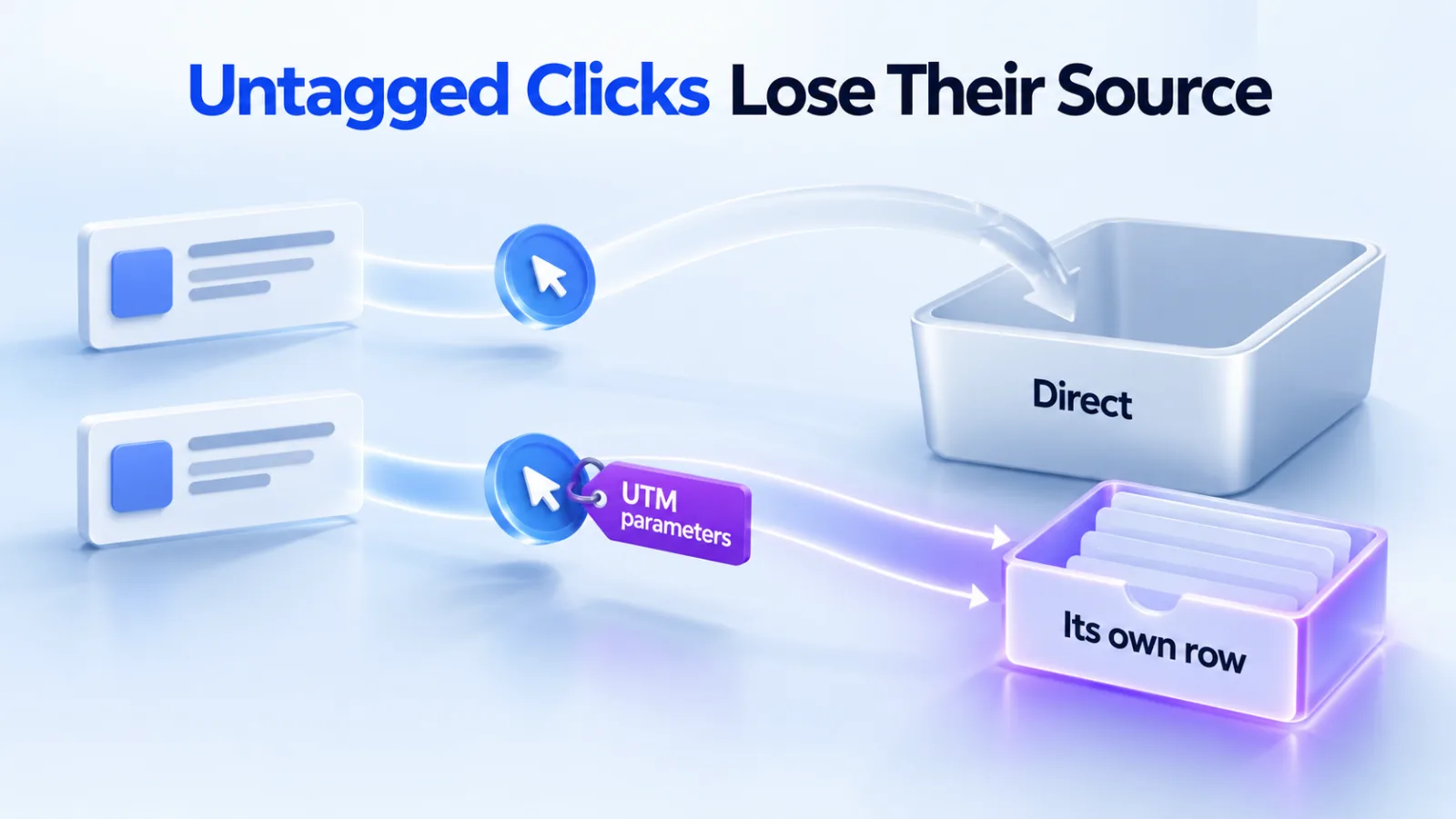
Remember that the score covers seven days. A fix made on Monday won’t show fully until the following week. Our reporting guide covers the conversion delays in Ads Manager. Our guide to Direct traffic in GA4 covers redirects that drop the click reference.
Questions
Does a higher event quality score improve my results?
Not directly. OpenAI says the score and warnings don’t predict campaign performance or guarantee matches. Better data can help attribution and conversion optimization, but the score is a diagnostic. Fix what the warnings point to, rather than chasing the number.
How long does a fix take to show?
The assessment refreshes daily over seven complete calendar days, with time for recent events to arrive. Improvements appear gradually as older events leave the window. Allow at least a week after a fix before judging whether it worked.
Why is my score unavailable?
Usually because there aren’t yet enough events, enough connections to ads or any configured goals. OpenAI says an unavailable score is different from a score of zero. If processing still shows as incomplete after a few days, contact support.
Should I send both the Pixel and the Conversions API?
OpenAI says using both can provide complementary information. When both report the same action, use the same Pixel ID, event name and event ID so the copies can be recognized. Channel activity alone doesn’t confirm correct pairing, so test that duplicates collapse to one.
Can I send my server’s IP address?
No. For server events, OpenAI asks you to forward the real visitor’s IP address and user agent when supported. Substituting your server’s address or a generic user agent weakens matching and can trigger warnings. Read the visitor’s values from the original request and pass them through with the event.
Do custom events count toward event quality?
Custom events can be reported, but they don’t count toward the event types check, and they can’t be optimization goals. Use a standard event whenever it accurately describes the action. Our conversion tracking guide lists the standard events.