
ChatGPT ads come in three formats today. They’re the standard chat card, product ads built from a catalog feed, and Sponsored Agents. The last is still in a limited test. All three appear below ChatGPT’s answer, labeled as sponsored and visually separate from it. This guide gives the specs and rules for each, as OpenAI documents them.
A fourth, a visual ad shown during image generation, was announced on 5 October 2026 for a US test.
Figures are OpenAI’s unless labeled as reported.
The short answer
- The chat card is the standard format: a title, a short description, one square image and a link.
- Product ads fill a template from your feed, so you don’t write each one.
- Sponsored Agents are a limited test with select advertisers, and aren’t open to requests.
- A visual format for image generation starts testing in the US later in October 2026.
- Every format must meet the same ad policies, end to end, including the landing page.
How ads appear in ChatGPT
Ads can appear below the end of a response when there’s a relevant match. A response can show one or more ad units, and a unit can hold items from one advertiser or several. Each ad carries your advertiser name and icon.
Each ad has a menu with Hide, Report, About this ad and Ask ChatGPT. Ask ChatGPT shares that ad into the chat so the person can ask about it. By default, ChatGPT can’t see the ads shown to a person.
Ads don’t appear in Temporary Chats, and during the test they don’t appear in the ChatGPT Atlas browser. They also aren’t shown to accounts identified as under 18. Our guide to who sees ChatGPT ads covers the audience rules.
The chat card: the standard ChatGPT ad format
The chat card is the standard ad: a title, a description, an image and a link. Its limits are short, because the card sits inside a conversation.
| Element | Spec |
|---|---|
| Title | 3 to 50 characters. OpenAI recommends 16 to 24. |
| Description | Up to 100 characters. OpenAI recommends 32 to 48. |
| Image | One square image, PNG or JPG, no larger than 1,200 by 1,200 pixels, at a public address. |
| Price | Optional price text. |
| Landing page | A valid, reachable page that doesn’t block OpenAI’s crawlers. UTM parameters are allowed. |
| Name and icon | Your account’s brand name and icon appear on every ad. Icons are JPEG, PNG or WebP, at least 256 by 256 pixels. |
One OpenAI page gives 128 by 128 pixels as the icon minimum and another gives 256 by 256. An icon of 256 pixels or more meets both.
Writing to the specs
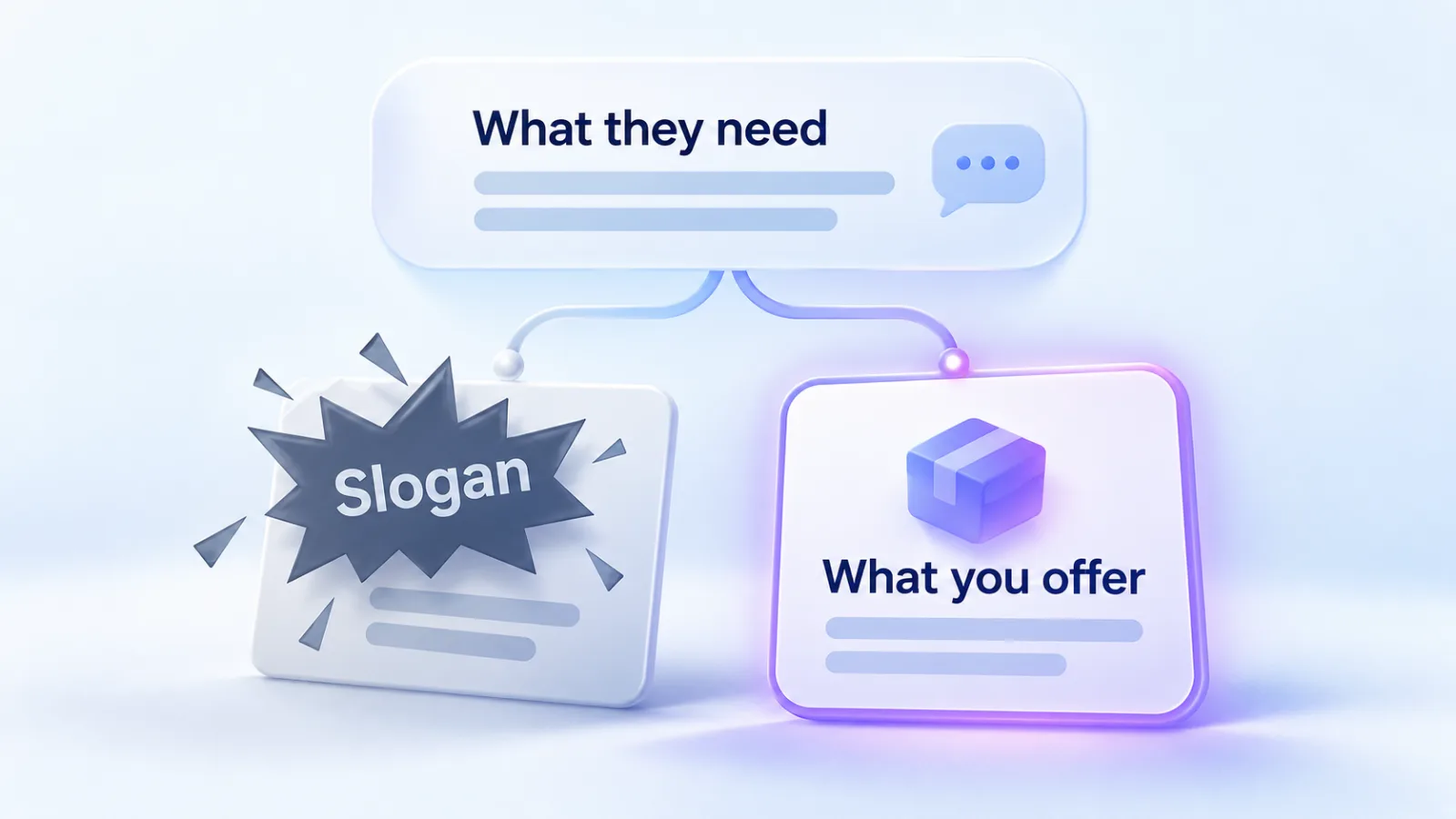
OpenAI’s creative guidance favors clear, specific, benefit-focused copy. Say what the product offers, who it’s for and when it helps. Write several distinct title and description variations for each offer, each with its own angle. Pair them with context hints that describe the situation. Then the system has more chances to find a relevant moment.
Keep images simple and matched to the message. Link to the page that matches the ad most closely. Our ad creative guide covers the writing in depth. Our ChatGPT Ads examples show whole ads, by industry, written to these limits. Our ad preview tool checks a title and description against these limits as you type.
A worked example
This is one offer written to the specs, using the fictional Fieldnote CRM from our ad preview tool. The copy and counts are illustrative.
| Part | Example | Characters | Within OpenAI’s recommended range |
|---|---|---|---|
| Title | CRM built for agencies | 22 | Yes, 16 to 24 |
| Description | Pipelines, proposals and invoicing in one place. | 48 | Yes, 32 to 48 |
| Image | A square product screenshot, 1,200 by 1,200 | Not applicable | At the maximum size |
The title says what the product is and who it’s for. The description adds the three things it handles, rather than repeating the title. A second variation might lead with a different angle, such as retainers or client reporting.
Which format fits
The format follows what you sell and what your account offers.
| Your situation | Format | Why |
|---|---|---|
| One service or a few offers | Chat card | You write each ad, with its own angle and landing page. |
| A catalog of many products | Product ads | One template fills every ad from the feed. |
| You want a back-and-forth with buyers | Sponsored Agents | Not open to advertisers yet. |
Product ads from a feed
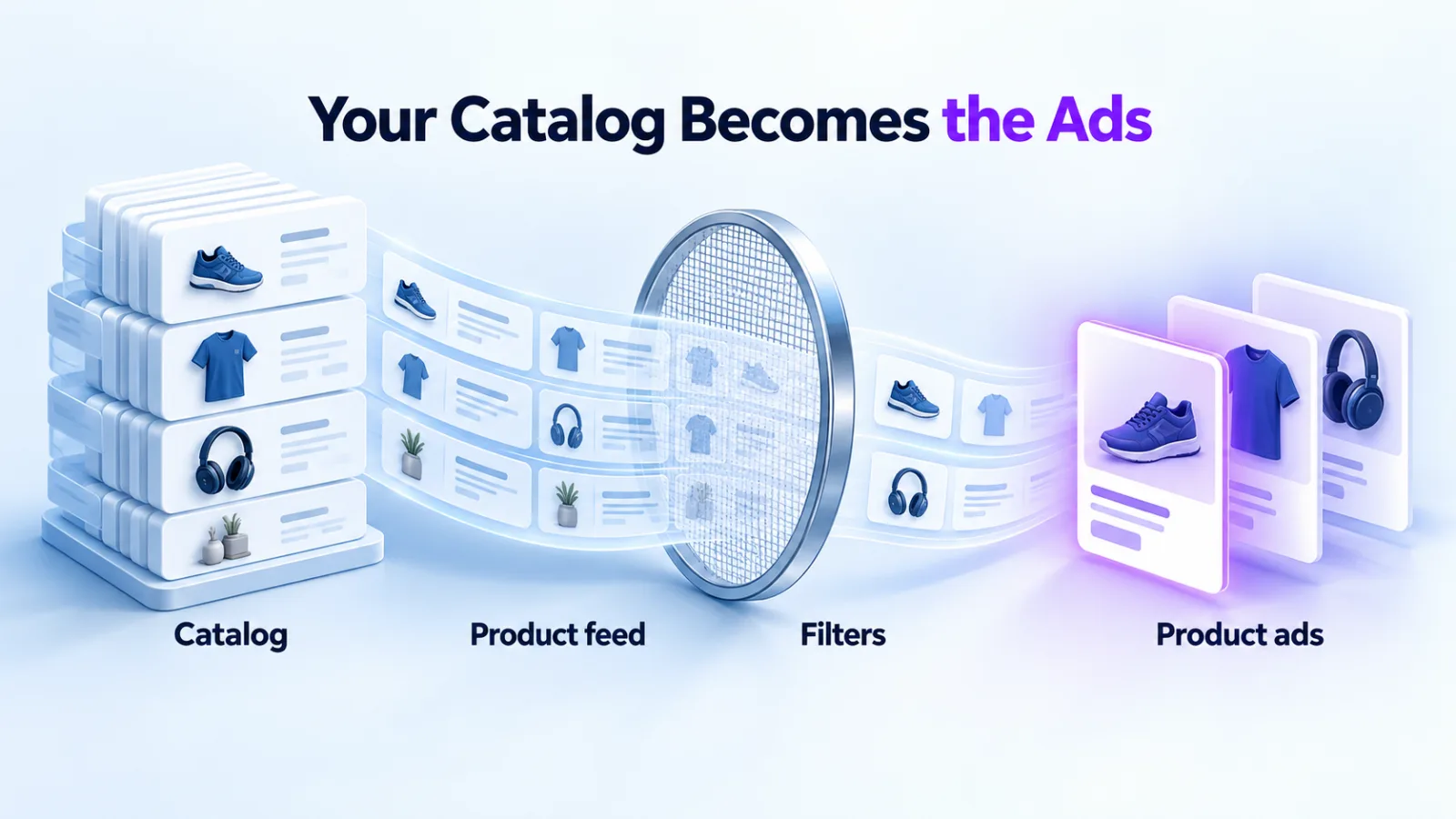
Product ads come from product-feed campaigns. Instead of writing each ad, you create one product-ad template per ad group. Each ad is then filled in from the product being shown.

| Template part | Filled from |
|---|---|
| Title | The product title, optionally combined with your own text and the brand, such as the brand and the title together |
| Description | The product description |
| Price | The product price |
| Image and link | The product’s image and product page, so there’s no separate upload |
Filters decide which products each ad group can use, by brand, category, price, item ID or your own labels. New product-feed campaigns target by country only. Product ads show details such as the product image, title, price and brand. Our product feed guide covers setup, and US Shopify stores can use OpenAI’s Shopify app instead.
Sponsored Agents
Sponsored Agents let someone who has seen an ad start a conversation with an AI representative of the business. OpenAI says the conversation is clearly labeled and separate from ChatGPT’s own answers and from the chat the person started. It can end with a link to the business’s website.
Availability is the catch. OpenAI describes it as a limited alpha test with selected advertisers, announced for the United States on 16 September 2026. Its Help Center says it isn’t accepting early-access requests, and that it will announce how to take part when it expands access. You may see Sponsored Agents in ChatGPT even if the format isn’t available for your campaigns.
The visual format in image generation
OpenAI’s newest format is built around a picture rather than a line of copy. OpenAI says the images can show product inspiration, the product in use, or the experiences it makes possible. The aim is to help people imagine how it would fit into their lives.
The first test runs during image generation in ChatGPT, for people on the Free and Go plans. OpenAI says the ads are clearly labeled and kept separate from the image being created. As with its other formats, it says advertising doesn’t influence ChatGPT’s answers. Testing begins in the US later in October 2026, with an initial group of advertisers.
OpenAI hasn’t published sizes, file types or text limits for it, or how an advertiser joins the test. We’d keep a set of strong product and in-use images ready, and plan this quarter’s budget around the chat card.
AI tools for creating ads
OpenAI has added several AI tools around the formats. None of them changes the formats’ specs.
| Tool | What it does |
|---|---|
| Suggested copy and images | When you draft an ad, Ads Manager can suggest copy and imagery based on your landing page and objective. You review and edit before using them. |
| Suggested drafts from your site | A separate “Add new ad” option prefills a draft from your website’s metadata. OpenAI says this one doesn’t generate new copy or images with AI. |
| Text customization | An opt-in setting that adapts your headlines and descriptions to the conversation and translates them into the person’s preferred language. |
| Ads Manager plugin | A plugin in ChatGPT for creating, updating and analyzing campaigns with plain-language prompts. |
Our view: treat suggestions as first drafts. OpenAI says advertisers remain in control and can edit before adding anything to a campaign. The copy still has to be true and meet the ad policies, whoever or whatever wrote it.
Spec mistakes that block an ad
Most spec problems are mundane. These four recur in OpenAI’s own troubleshooting guidance.
An image link that isn’t the image
Image addresses must return the image itself, not a preview page or a sign-in page. Open the link in a private window. If it shows a web page around the picture, it will fail.
The wrong shape or format
Images must be square, PNG or JPG, and no larger than 1,200 by 1,200 pixels. A wide banner won’t do.
A landing page that blocks the reviewer
OpenAI names landing pages that block its user agents as a common cause of rejection. OAI-AdsBot is the crawler it says to allow for ads.
A bulk upload replayed after a partial failure
Processing can finish even when some rows fail. Replaying rows that already succeeded, with a blank ad ID, can create duplicate ads. Check each row’s result before you retry.
Rules for every format
The same policy applies to a chat card, a product ad and a Sponsored Agent. Four rules cause most rejections.
| Rule | What it means |
|---|---|
| Consistent end to end | The copy, the image and the landing page must all meet the policy. An allowed ad can’t link to a page that promotes disallowed products. |
| Truthful | Claims about capabilities, pricing, outcomes and affiliations must not be misleading. |
| Not imitating ChatGPT | Ads must be clearly distinguishable from the ChatGPT product. OpenAI can remove or change ads that imitate its look, functions or voice. |
| Reviewed | Every ad is reviewed, and editing an ad sends it back for review. |
During the initial period, OpenAI says ads are primarily limited to consumer categories. Examples are lifestyle and household goods, local services, travel and experiences, and digital products or education. Financial, health and legal services are approved case by case. The policy tracker lists the categories.
Questions
Can I run video ads in ChatGPT?
OpenAI’s ad policy mentions video assets in general terms, but we haven’t found a video format in its documentation for advertisers. The documented formats are chat cards, product ads and Sponsored Agents. The visual format OpenAI announced in October 2026 uses images. Check Ads Manager for what your account offers before planning a video.
What image size should I use?
A square PNG or JPG, no larger than 1,200 by 1,200 pixels. That’s the spec in OpenAI’s guide to launching campaigns. The same guide says image links in bulk uploads must be public and point straight at the file. Keep the image simple and matched to the message. For the account icon, use at least 256 by 256 pixels.
Do I have to show a price?
No. Price is optional on chat cards. On product ads it comes from your feed, so an accurate price in the feed matters. Keep the feed current, because the ad shows what the feed says, and a stale price is a stale ad. OpenAI also says editing an ad’s creative triggers a new review.
Can I get into the Sponsored Agents test?
Not yet. OpenAI says it isn’t accepting early-access requests, and will announce how to take part when it expands access. Until then, plan around chat cards and product ads, and don’t build a campaign that depends on the test.
Can I use AI-written copy?
Yes, if it’s true and meets the policy. OpenAI offers its own AI suggestions in Ads Manager, and advertisers can edit them. Ads must not mislead about pricing, results or affiliations, whatever wrote them.
What happens when I edit a live ad?
An edit sends the ad back for review, and it can stop serving until it passes. OpenAI says to avoid changing several settings at once if you need to know what helped. Edit one thing, then watch.
Need ads written to these specs? See our context hints and creative service.