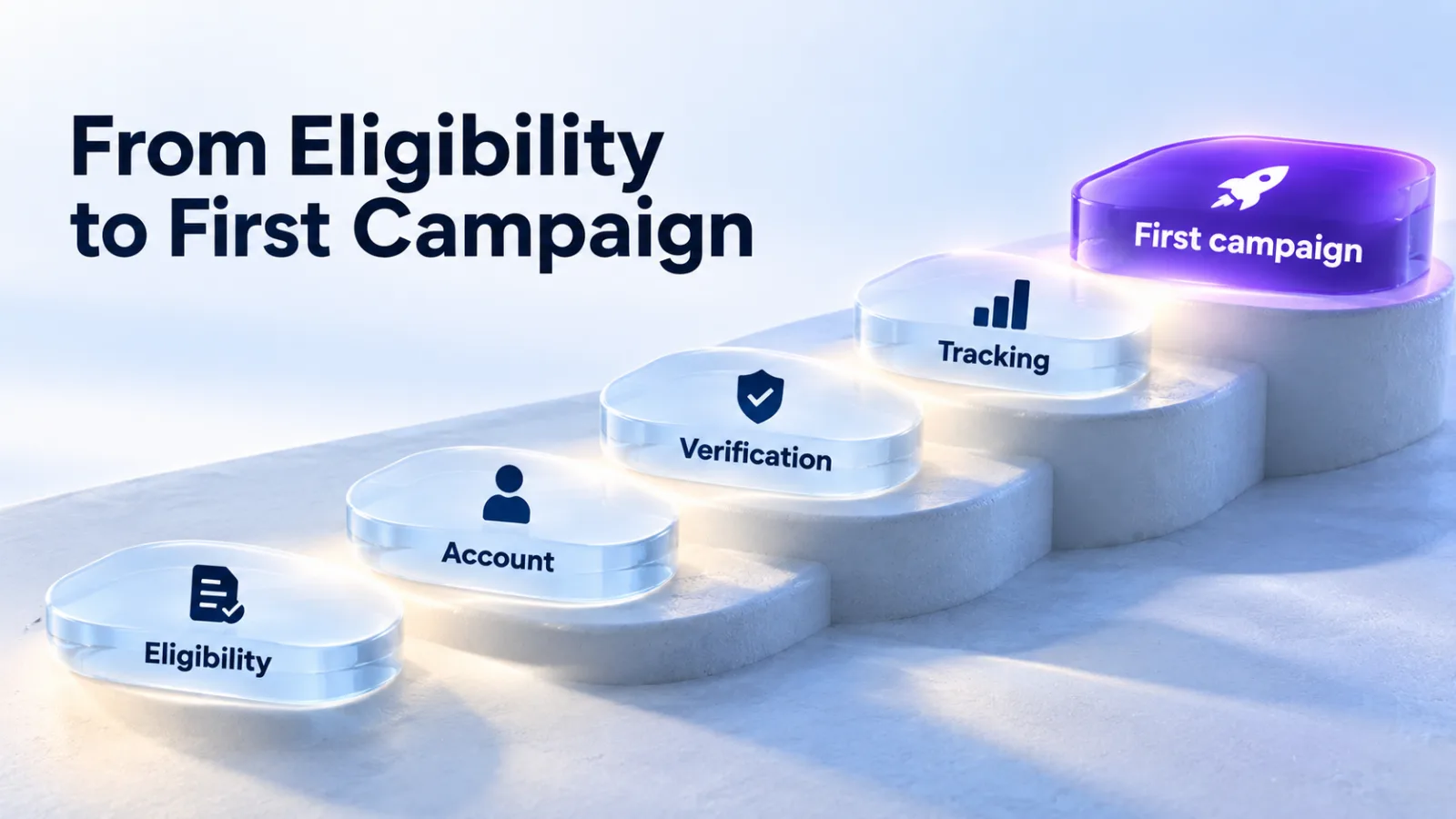
ChatGPT Ads are sponsored placements shown below ChatGPT’s answers to people on the Free and Go plans. Since May 2026, businesses can buy them directly in OpenAI’s Ads Manager rather than only through OpenAI’s sales team or partners. This guide follows setup in the order Ads Manager asks for it, with OpenAI’s own rules at each step.
Checked against OpenAI’s documentation on 27 September 2026. Ads Manager is still labeled beta, and its screens change often.
Before you start: three checks
| Check | What OpenAI requires | Source |
|---|---|---|
| Country | To buy self-serve, the legal entity that advertises and pays must be based in one of the 63 countries on OpenAI’s list. | Help Center |
| Category | Your products must be allowed under the ad policy. Some categories are disallowed outright, and financial, health and legal services face extra rules that vary by market. | Ad policies |
| Audience | Ads reach people on the Free and Go plans. Plus, Pro, Business, Enterprise and Edu accounts don’t see ads, and neither do accounts identified as belonging to someone under 18. | Help Center |
Check your country in our availability tracker and your category in the policy tracker. The audience point matters most for B2B: people using ChatGPT through a company Business or Enterprise plan never see ads. Some new self-serve accounts can also advertise only in their home country at first, until identity verification is approved and they’ve spent a required amount there.
Step 1: Create your advertiser account
Sign up for Ads Manager at ads.openai.com with an OpenAI account. If you don’t have one, you can create it during sign-up. Ads Manager then asks for:
- Business details: name, website, logo and industry.
- Account details: country, currency and time zone.
Take care with the second set. OpenAI says the country, billing currency and time zone can’t be changed once the account exists, so a wrong choice means starting a new account. The billing currency also sets your minimum daily budget per campaign. Use the details of the legal entity that will advertise and be billed.
OpenAI asks each business to have one account owner create the account and invite everyone else. Agencies can’t create accounts on a client’s behalf: if you work with an agency, you create the account and invite them.
Step 2: Get verified
After your details, Ads Manager asks a few verification questions through Persona, and your application joins a review queue. OpenAI also checks whether your products are eligible under its ad policies, then emails the person who created the account when full access is ready.
- How long it takes: OpenAI says business verification can take up to seven business days. Contact Ads Support if it takes longer.
- No shortcuts: OpenAI can’t expedite reviews, and a second application doesn’t skip the queue. It can slow things down.
- If it fails: verification fails when OpenAI can’t verify the business’s identity, ownership or affiliations. Make sure your account, ads and landing pages describe the business accurately, then appeal through the link in the rejection email or in Ads Manager.
Verification, account approval, ad review and delivery are separate checks. Passing one doesn’t mean the others are done.
Step 3: Finish account details and billing
Once access is granted, open Settings, then Account info, and set the account name and logo exactly as you want them to appear on your ads. OpenAI says ads won’t serve until this is done.
Then set up billing: a billing profile with your business name, address and invoice email, and a credit card. Your bank may show a temporary authorization hold when you add the card. It’s released after verification but can stay visible for eight days or more.
Billing is postpay. Ads Manager charges your card when unpaid spend reaches your account’s payment threshold, and at the end of each month for any remaining balance. The card should belong to the same country as the business. Our guide to what ChatGPT Ads cost covers billing in detail.
Step 4: Invite your team or agency
Invite people by email under Settings, then Users. Each person gets one of three roles on the ad account: Admin, Member or Viewer. A role in a ChatGPT workspace or on OpenAI’s API platform doesn’t give anyone access to Ads.
If you run several brands or legal entities, each needs its own advertiser account. One OpenAI login can reach all of them.
Step 5: Set up conversion tracking before you spend
Ads Manager reports impressions and clicks on its own. Conversions need OpenAI’s Measurement Pixel, its Conversions API, or both:
- Create a Pixel ID in the conversions tab of Ads Manager and add the snippet near the top of the
<head>on every page where conversions happen. - Send standard events such as
order_createdorlead_createdwhen a conversion happens. - If you also send events from your server, reuse the same event ID in both places so each conversion counts once.
- The Pixel treats consent as granted by default. If your site needs consent, set it to false until the visitor agrees.
Conversion-optimized campaigns need one of the standard events as their goal; custom events can’t be used for that. Our conversion tracking guide walks through the full setup.
Step 6: Build your first campaign
Campaigns have three levels, and you set different things at each.
| Level | What you set | Worth knowing |
|---|---|---|
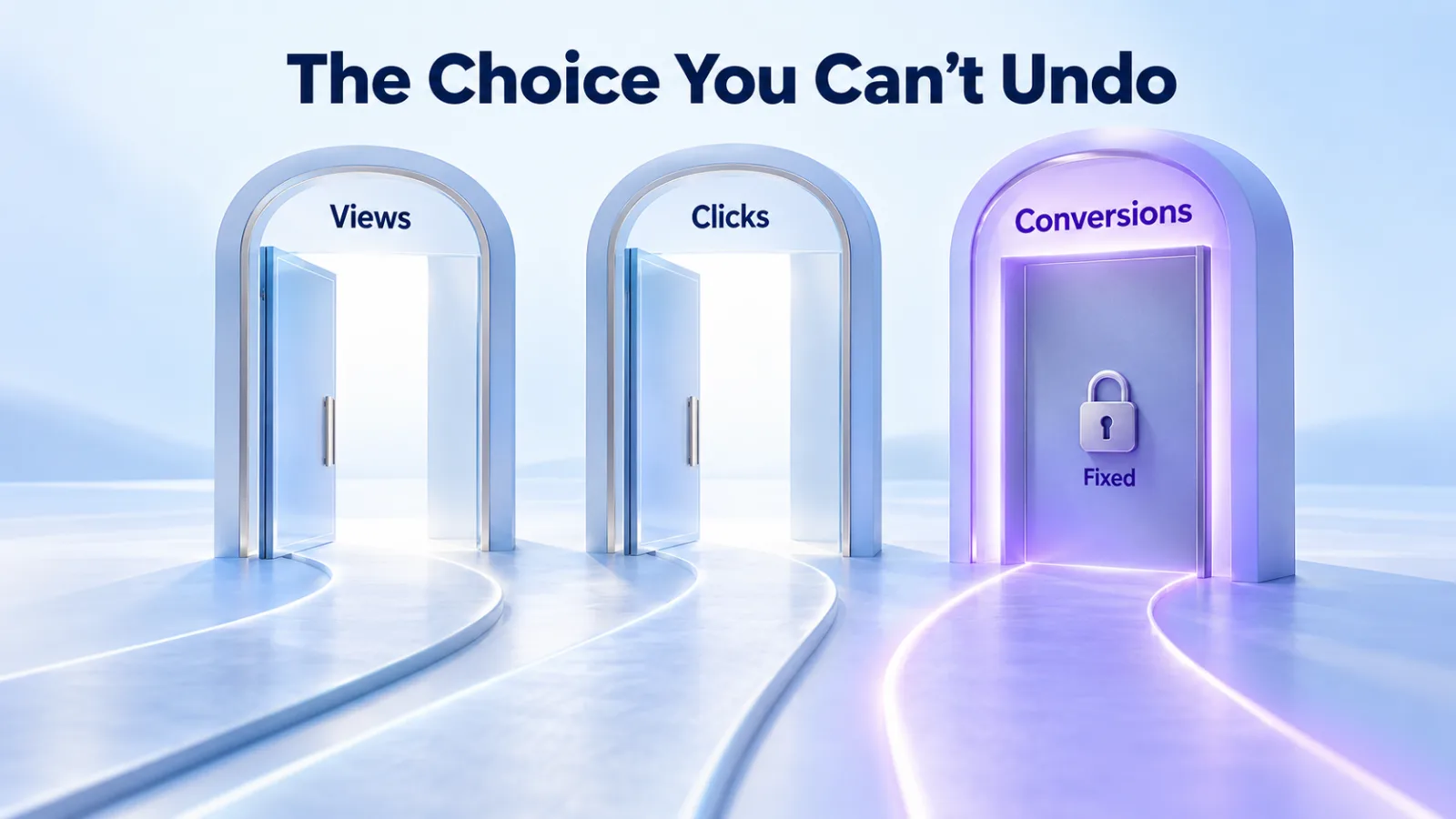
| Campaign | Objective (Views, Clicks or Conversions), budget, schedule and locations. | The objective can’t be changed after creation. The minimum daily budget depends on your billing currency: $25 for accounts billed in US dollars. |
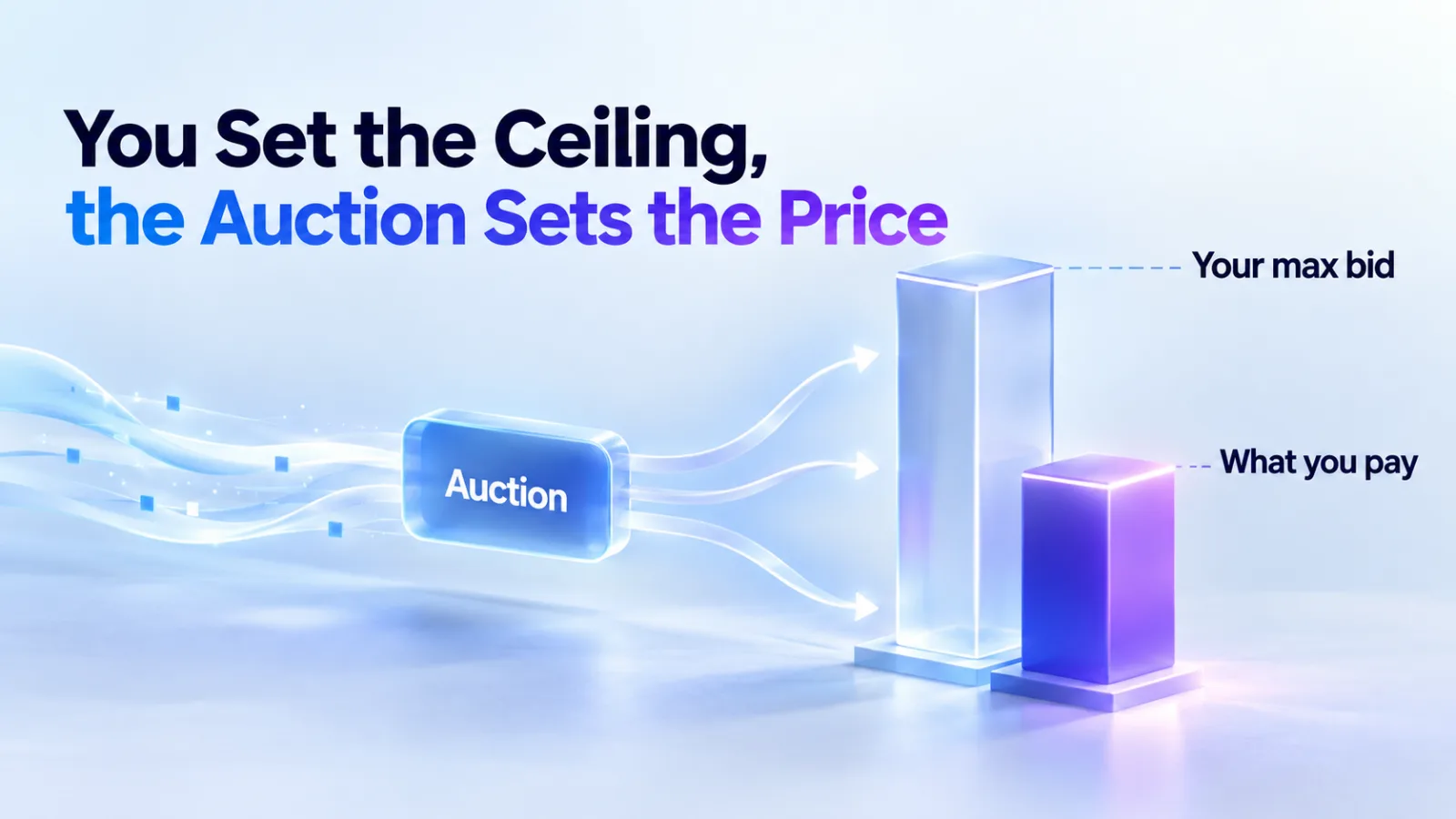
| Ad group | Bids and context hints: short descriptions of who your offer helps and when. | For click campaigns, OpenAI suggests starting maximum bids of $3–5. Hints guide matching but aren’t keywords. |
| Ad | Title of up to 50 characters, description of up to 100, a square image and a landing page. | OpenAI recommends titles of 16–24 characters and descriptions of 32–48, and several distinct versions per offer. Your account name and logo appear on every ad. |
A daily budget is an average over seven days: a single day can spend up to twice it, and seven days never more than seven times it. You can choose a total campaign budget instead, but not switch between the two later.
Link each ad to the most relevant page, such as a product or collection page rather than your homepage, and add UTM parameters to the URL if you want to see the traffic in your own analytics. Our guide to writing context hints covers the ad group level.
Step 7: Launch and watch the first week
- Review: every ad is reviewed before it runs, and editing a rejected ad sends it back for review. If you think a rejection is wrong, appeal from Ads Manager.
- Landing pages: they must load, and must not block OpenAI’s crawlers, OAI-AdsBot and OAI-SearchBot.
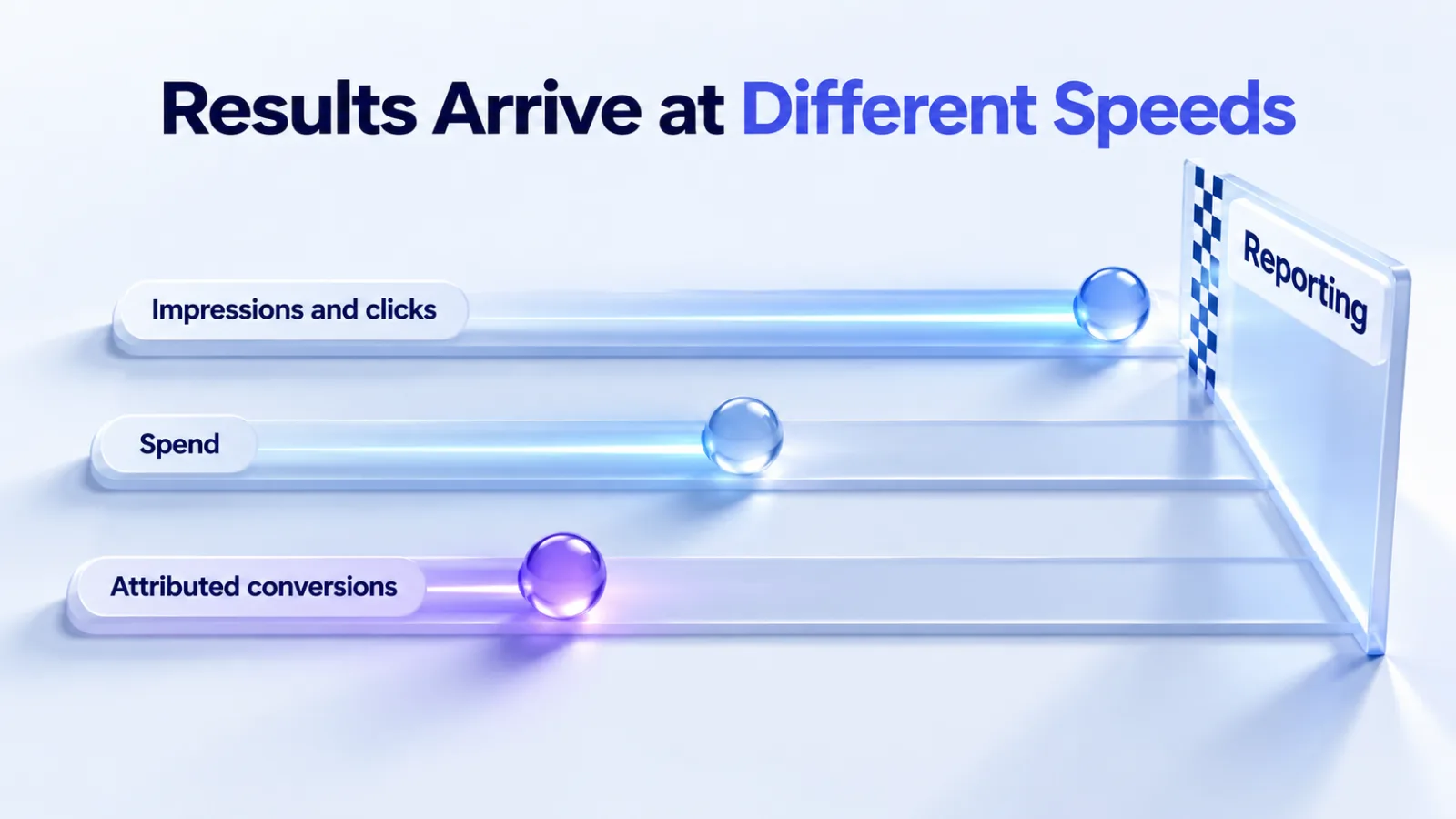
- Reporting delays: impressions and clicks refresh about every 15 minutes, spend can lag 7–8 hours, and attributed conversions take 24–48 hours.
- Pausing isn’t instant: OpenAI says ads can keep appearing for up to 24 hours after a pause, and that spend is billable.
With conversions arriving a day or two late, give a new campaign weeks rather than days before you judge it.
Six mistakes to avoid
- Choosing the wrong country, currency or time zone, which can’t be changed later.
- Submitting a second application while the first is still in review.
- Leaving the account name and logo unfinished, which stops ads from serving.
- Blocking OAI-AdsBot or OAI-SearchBot through robots.txt, a firewall or bot protection.
- Adding a card from a different country than the business.
- Attaching a conversion event that doesn’t match what your site sends. OpenAI says a mismatched event shows zero, and fixing it doesn’t backfill past conversions.
Questions
Can an agency set up the account for me?
No. OpenAI doesn’t let agencies create advertiser accounts for clients. You create the account, then invite the agency with an Admin, Member or Viewer role.
How long does setup take?
Most of the waiting is on OpenAI’s side: business verification can take up to seven business days, and every ad is reviewed before it runs. Billing, tracking and the campaign build can happen alongside.
Is there a minimum spend?
Each campaign needs a minimum daily budget, set by your ad account’s billing currency: 25 USD, 15 EUR, 15 GBP or 725 INR, for example. OpenAI lists 30 currencies, and our availability tracker has them all.
What if my business isn’t in a listed country?
You can’t buy self-serve yet. You can still create an account, and OpenAI will notify you when self-serve reaches your country. Larger advertisers can contact OpenAI’s Ads team about sales support.
Do I need a developer?
For the Pixel, you need someone who can add site tags; OpenAI says Google Tag Manager works if it loads the snippet reliably. The Conversions API usually needs a developer or an existing integration. US Shopify stores can use OpenAI’s Shopify app instead.
Want it done for you? Our launch and setup service covers the account, tracking, first campaigns and a 30-day test plan.
Sources
- Ads Manager Beta account setup, OpenAI Help Center
- Troubleshooting common onboarding and policy issues, OpenAI Help Center
- Create campaigns and Launch campaigns, OpenAI Help Center
- Billing and payment, OpenAI Help Center
- Managing identity and access for Ads Manager, OpenAI Help Center
- Ads in ChatGPT: the basics and Ads in ChatGPT, OpenAI Help Center
- Measure results, OpenAI Help Center; Measurement Pixel, OpenAI developer docs
- New ways to buy ChatGPT ads, OpenAI, 5 May 2026
All sources checked on 27 September 2026.