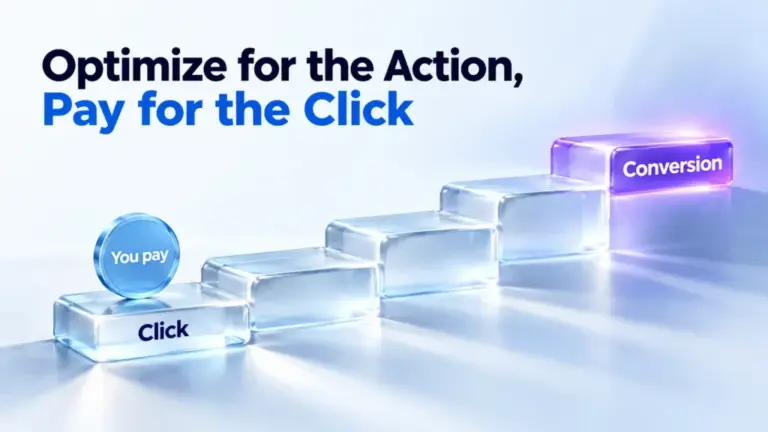
ChatGPT Ads conversion campaigns optimize delivery toward one tracked action, such as a purchase or a lead. You still pay per click or per impression. You never pay per conversion. They need working conversion tracking, one standard event and a few settings that can’t be changed later. This guide covers how they work, how to set one up and how to read the results.
Every platform fact links to OpenAI’s documentation. Where we give our own view, we say so.
How ChatGPT Ads conversion campaigns work
A conversion campaign uses the Conversion optimization objective. You choose one conversion event, and ChatGPT Ads uses it to guide delivery. OpenAI’s developer docs say delivery weighs the event alongside ad quality, relevance, click likelihood and conversion likelihood.
| Objective | You pay for | Delivery optimizes for |
|---|---|---|
| Views (CPM) | Every 1,000 impressions | Reach at scale |
| Clicks (CPC) | Each valid click | Clicks from people likely to engage |
| Conversion optimization, click billing (oCPC) | Each valid click | Clicks likely to lead to your conversion event |
| Conversion optimization, impression billing | Every 1,000 impressions | Conversions after views and clicks |
Billing never changes to pay per conversion. The conversion is only what the campaign aims for. Your actual cost per conversion comes out of the auction.
Click billing or impression billing
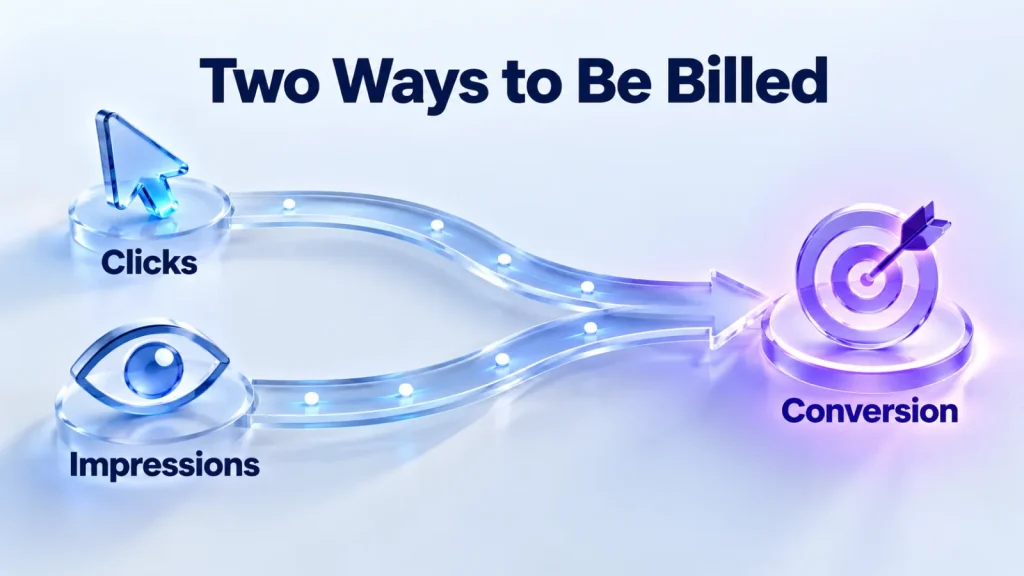
After choosing the objective, you choose how you’re billed. The choice changes which conversions guide delivery.
| Click billing (oCPC) | Impression billing | |
|---|---|---|
| You pay for | Valid clicks | Impressions served |
| Optimizes toward | Conversions after a click | Conversions after views and clicks |
| Main cost metric | Average CPC | Average CPM |
| Watch | Conversions and cost per conversion | Conversions, cost per conversion, and click-through and view-through conversions |
OpenAI’s case for impression billing is that people don’t always act straight after seeing a brand. Someone may see an ad while exploring an idea, then return and convert later without clicking. Impression billing lets those conversions inform delivery. OpenAI’s help page says that impressions optimize for more conversions and that clicks will lower them.
Our view: impression billing suits products people research over days, where a view can start the decision. Click billing suits offers where the click itself is the signal, such as a booking or a quote request. Whichever you pick, judge it on cost per conversion in your own data.
Before you start
OpenAI lists four conditions. Check them before you build, because two can’t be fixed afterwards.
- Conversion tracking is live, through the JavaScript Pixel, the Conversions API or both.
- At least one supported standard conversion event is available. Custom events can’t be optimization goals.
- You know which event the campaign should optimize toward.
- You’re ready to create a new campaign, or clone one to change its objective.
Test the tracking first. Send a real conversion end to end and check it arrives with the right event name. Our conversion tracking guide covers the setup, and the event quality guide covers the warnings to clear.
Choosing the conversion event
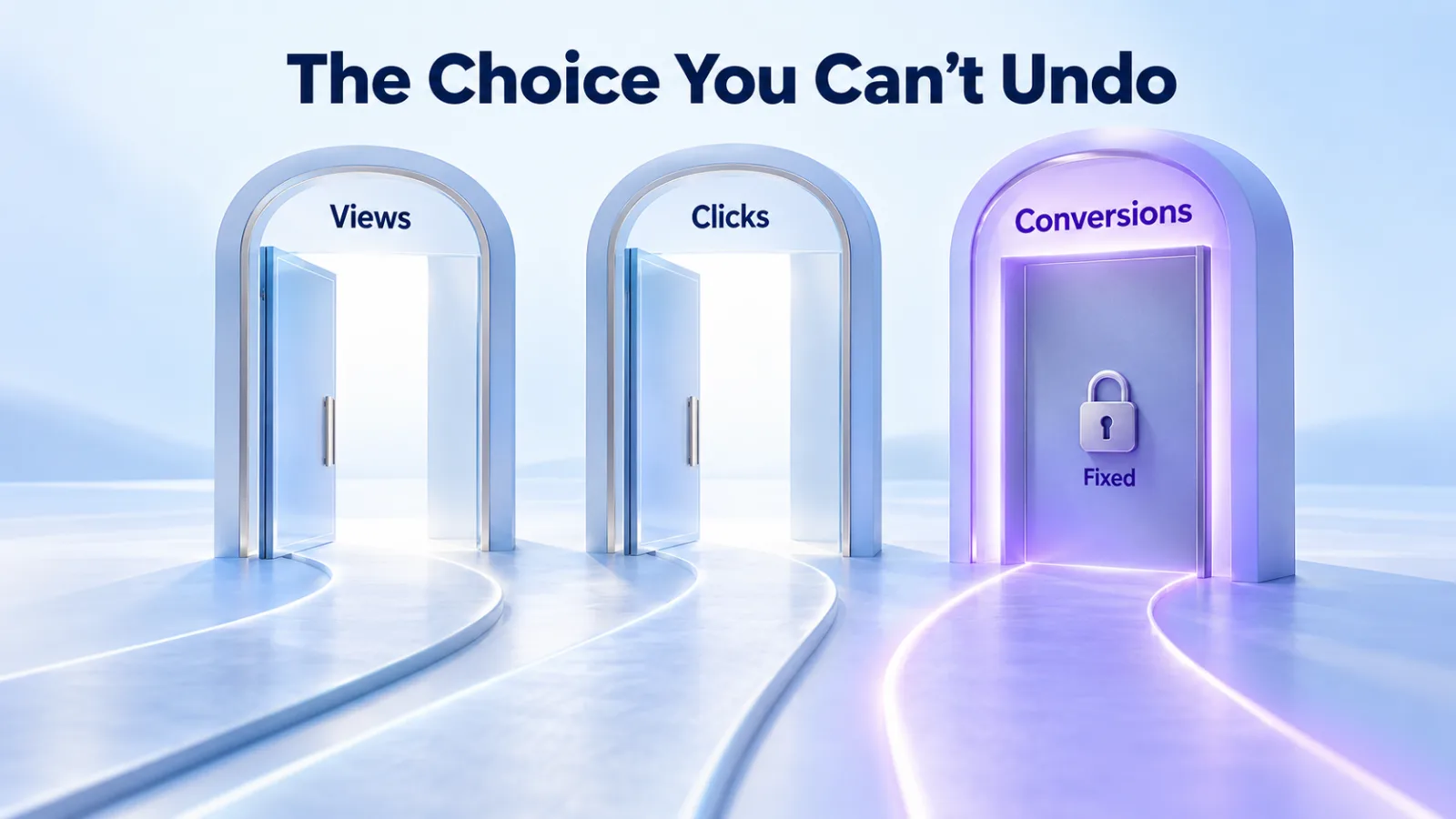
Each campaign optimizes toward one standard event, and you can’t change it after creation. To optimize for a different event, you create a new campaign. So the choice deserves more thought than it gets.
| Event | Fits |
|---|---|
| order_created | Online purchases |
| lead_created | Form leads and quote requests |
| registration_completed | Account sign-ups |
| trial_started | Free trials |
| subscription_created | Paid subscriptions |
| appointment_scheduled | Bookings |
| checkout_started | A step before purchase, when purchases are rare |
OpenAI’s tip is to pick the event that best represents your goal and has enough signal. Events that happen too rarely make performance harder to evaluate.
We’d start with the deepest event that happens often enough to learn from. With only a handful of purchases a week, an earlier step may give the system more to learn from. Two examples are checkout_started and lead_created. Then judge results on the purchases themselves, in your own records.
Setting up a conversion campaign, step by step
OpenAI’s help page sets out six steps in Ads Manager.
- Create a campaign and select Conversion optimization as the objective. To move an existing campaign, clone it.
- Choose Impressions or Clicks for billing.
- Choose the conversion event.
- Set the budget, start and end dates and locations, with enough time and budget to gather meaningful data.
- Create ad groups and ads, and set the bid controls shown for your billing option.
- Launch, then monitor delivery, spend and conversions.
The objective and billing option can’t be changed in place. To move a conversion campaign from click to impression billing, OpenAI says to clone it and select Impressions for the clone. For any other change, create a new campaign. You also can’t turn an existing Views or Clicks campaign into a conversion campaign.
Bid Cap: what it is and isn’t
For conversion campaigns, Bid Cap is the most you’re willing to bid for a conversion. The system uses predicted conversion likelihood to work out an auction bid from it.
| Bid Cap is | Bid Cap isn’t |
|---|---|
| A conversion-oriented bid that sets how you compete | The price you’re charged for a conversion |
| An optimization input | A guaranteed cost per acquisition |
| Set on the ad group | A budget |
With click billing you’re still billed per valid click, at a price set by the auction. In the API, the cap is the ad group’s max_bid_micros. A value of 100000000 means a $100.00 bid in a US dollar account.
OpenAI says there’s no recommended bid amount at this time. Our advice is to start from what a conversion is worth to you. If a lead is worth $200 and you need a 3x return, a cap near $67 is a sensible first test. Our cost calculator does the arithmetic.
Maximize conversions
Instead of a cap, an ad group can use Maximize conversions. OpenAI then sets and adjusts bids to get more conversions from your budget. It’s one of the two Maximize results strategies, and it needs a daily campaign budget.
OpenAI says Maximize results prioritizes result volume. It doesn’t guarantee a specific cost per acquisition, cost per click or return on ad spend. Use a fixed bid when you have a limit you must stay within. You can switch an ad group between the two, as long as the campaign has a daily budget.
Our bidding strategies guide compares every strategy across objectives.
Product-feed conversion campaigns
Product-feed campaigns can use conversion bidding too. OpenAI’s developer docs describe it as an open beta. The ad group inherits the campaign’s feed, and product filters are optional.
For stores, order_created is the natural event, since it also feeds the Order Created Sales and ROAS columns. Our product feed guide covers the feed side.
Reading the results
What you watch depends on the billing option.
| Billing | Cost metric | Outcome metrics |
|---|---|---|
| Clicks | Average CPC | Conversions, then spend divided by conversions |
| Impressions | Average CPM and impressions | Conversions, cost per conversion, click-through and view-through conversions |
Look at conversion volume together with spend, impressions, clicks and the attribution windows you’ve chosen. Conversions take 24 to 48 hours to appear, so don’t judge a day’s results the next morning. Our reporting guide explains the windows and delays.
OpenAI’s last tip is to review performance over enough volume before making large changes to bids, budgets or creative. We’d change one thing at a time, and wait at least a week between changes to the bid.
A worked example
The figures here are an illustration. A software company values a free trial at $120, because one trial in four becomes a $480 customer. It wants to spend no more than half that value, so it sets a Bid Cap of $60 on trial_started.
After a week on click billing it has spent $1,800 and recorded 24 trials. That’s $75 per trial: above target, but inside the value of a trial. It leaves the cap alone for a second week, as OpenAI advises reviewing enough volume first. Our cost guide explains how the auction sets the prices behind these figures.
Mistakes that cost conversion campaigns
This list is ours, built from OpenAI’s rules and the ways tracking usually fails.
| Mistake | Why it hurts |
|---|---|
| Launching before tracking is tested | The campaign optimizes on missing or wrong data |
| Choosing a rare event | Too few conversions to learn from or evaluate |
| Picking a custom event | Custom events can’t be optimization goals |
| Treating Bid Cap as the price | It’s an input. Clicks or impressions are what you pay for |
| Using a campaign-total budget with Maximize conversions | Maximize results needs a daily budget |
| Changing bids every day | The system and your results never settle |
| Dropping oppref on redirects | Conversions can’t connect to clicks |
A launch checklist
- Pixel or Conversions API live, with a test conversion received.
- Event quality checked, with no warnings you can fix.
- One standard event chosen, with enough weekly volume.
- Billing option chosen on purpose: clicks or impressions.
- Daily budget large enough to gather data, above your currency minimum.
- Bid Cap or Maximize conversions chosen, with a reason written down.
- Stop rules agreed before launch. Our 30-day test plan suggests some.
Questions
Do I pay per conversion in ChatGPT Ads?
No. Conversion campaigns optimize toward your event, but billing stays with clicks or impressions. With click billing you pay per valid click, and with impression billing per 1,000 impressions. Your cost per conversion is spend divided by conversions, and the auction decides it.
Can I change the conversion event later?
No. Each campaign uses one standard event chosen at creation, and it can’t be changed. To optimize toward a different event, create a new campaign. Choose the event carefully, and test tracking for it before launch. A test conversion that arrives with the right name saves a rebuild later.
Can I use a custom event as the goal?
No. OpenAI says custom conversion events aren’t currently supported for the Conversion optimization objective. You can still report custom events and see them as columns. Use a standard event that accurately describes the action, such as lead_created or registration_completed.
What bid should I start with?
OpenAI gives no recommended bid amount for conversions at this time. Start from what a conversion is worth to you and the return you need. Or use Maximize conversions with a daily budget and let OpenAI set bids, accepting that cost per conversion isn’t guaranteed.
Should I choose impressions or clicks?
OpenAI says impression billing optimizes for more conversions, including those after views. Click billing focuses on conversions after a click. We think impressions suit considered purchases, and clicks suit offers where the click is the clear signal. Test both if your budget allows.
Can I switch an existing campaign to conversion optimization?
Not in place. OpenAI’s help page says to clone a campaign to change its objective. It also says to clone a click-billed conversion campaign to move it to impression billing. The developer docs say to create a new campaign. Either way, you end up with a new campaign.