Ads Manager is OpenAI’s self-serve platform for buying ads in ChatGPT. Businesses use it to create an ad account, build campaigns, set budgets and bids, upload ads and read results. OpenAI calls it a beta, and it changes often. This guide walks through every part of it, in the order you’ll meet them.
Every platform fact links to OpenAI’s documentation. Where we give our own view, we say so.
ChatGPT Ads Manager at a glance
OpenAI launched the self-serve Ads Manager beta on 5 May 2026, alongside cost-per-click bidding and new measurement tools. Before that, advertisers worked directly with OpenAI or through partners. Today businesses in the 63 countries on OpenAI’s list can sign up themselves at ads.openai.com.
| What | Where it lives in Ads Manager |
|---|---|
| Account setup | Sign-up flow, then Settings |
| Campaigns, ad groups and ads | Campaigns, Ad groups and Ads pages |
| Creating at scale | Create, then Bulk upload |
| Custom audiences | Tools, then Audiences |
| Conversion tracking | The conversions tab: data sources and event quality |
| Reporting | Table view, chart view and CSV exports |
| Members, API keys, billing, change logs | Settings |
OpenAI says Ads Manager Beta supports the core workflows: campaign creation, billing, access management, reporting, conversion measurement and CPC bidding. Some capabilities are limited today, and it says more will follow.
Who can use it
Ads Manager is open to eligible businesses based in a country on OpenAI’s availability list. The legal entity that advertises and is billed must be based in a listed country. Businesses elsewhere can sign up to hear when their country opens.
Larger advertisers can also work with the OpenAI Ads Solutions team or with agency and technology partners. OpenAI says its ads system controls every delivery decision, whichever route you buy through. Our guide to ways to buy ChatGPT ads compares the routes.
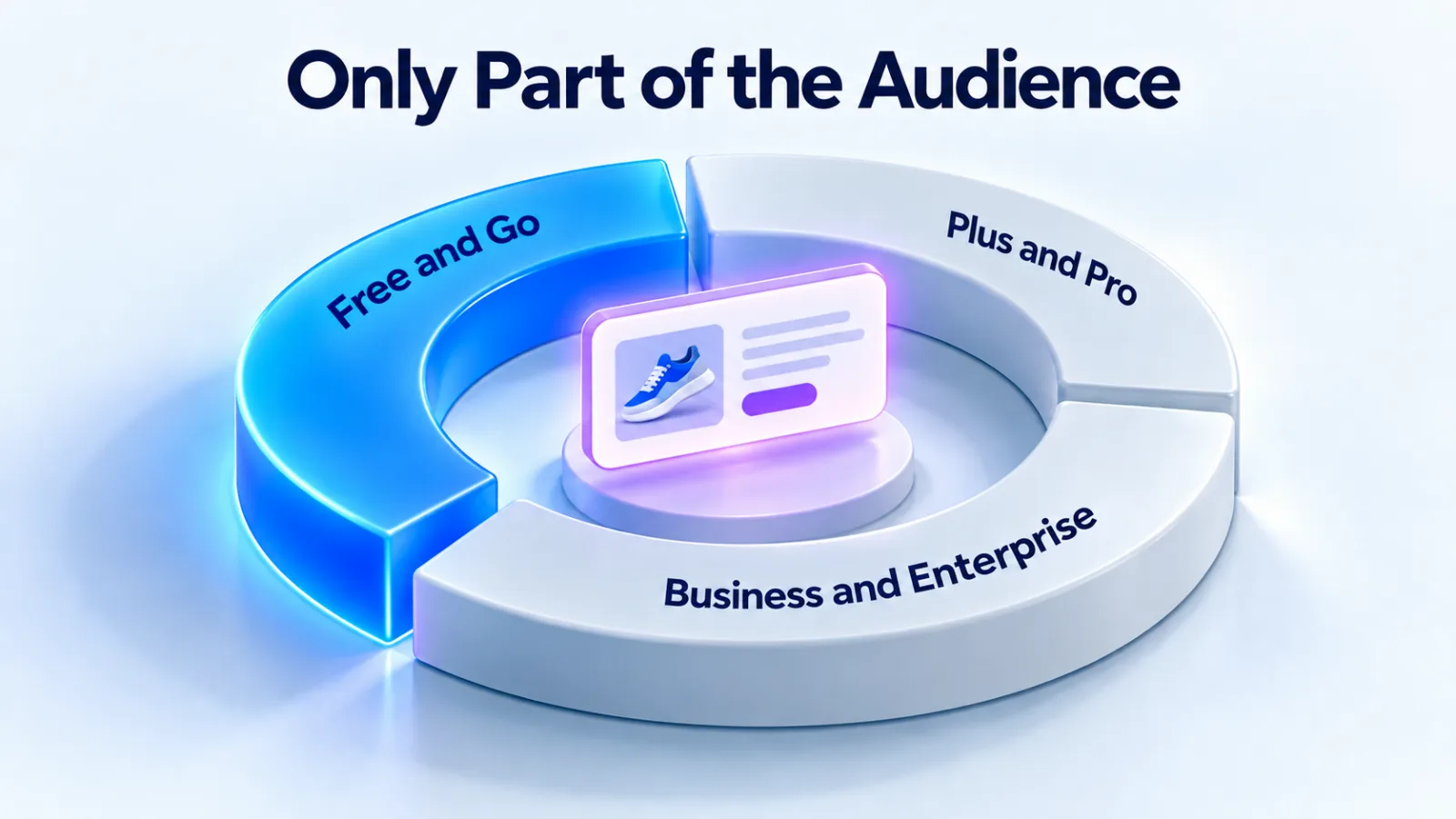
Ads appear only to people on the Free and Go plans. Plus, Pro, Business, Enterprise and Edu accounts don’t see them, and nor do accounts identified as under 18. That decides who you can reach, so read who sees ChatGPT ads before you plan a budget.
Setting up the account
You sign in with an OpenAI account, then create an ad account for your business. Three choices are permanent, so make them carefully.
| Setting | What to know |
|---|---|
| Country or region | Can’t be changed after the account is created |
| Currency | Can’t be changed. It sets your minimum daily budget |
| Time zone | Can’t be changed. Budget weeks and reports follow it |
| Account name | Internal only. Changing it triggers no review |
| Brand name | Shown with your ads. A change triggers a brand review and pauses serving until it’s approved |
| Legal name | Used for billing and business verification. A change restarts the business review and may pause serving |
Billing must be set up before campaigns can deliver. You need a billing profile, with business name, address and invoice email, and a credit card. Business verification may take up to 7 business days, and it is separate from account approval and ad review.
If you manage several advertisers, OpenAI says to create a separate account for each one. The same login can switch between accounts. You can create up to 10 accounts that you belong to, and invitations to more still work. Our setup guide walks through each step.
How campaigns are structured
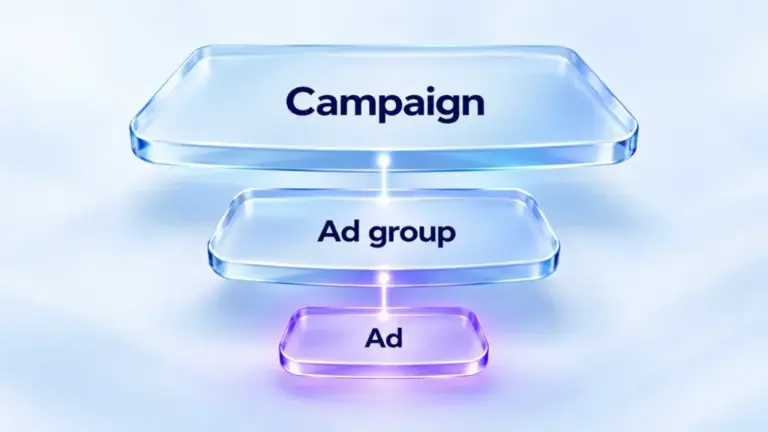
Ads Manager uses three levels: campaign, ad group and ad. Each level holds different settings, and a block at one level stops everything below it.
| Level | Holds | Can’t be changed later |
|---|---|---|
| Campaign | Title, objective, budget, start and end dates, countries, platforms, custom audiences | The objective, and for conversion campaigns the conversion event and billing option |
| Ad group | A theme or intent, its context hints, the bid strategy and audience bid adjustments | Nothing listed as fixed |
| Ad | Brand name and logo, title, copy, image and landing page | Edits send the ad back to review |
OpenAI describes ad groups as themes, intents and context hint clusters under a campaign. Its best practice is separate campaigns for different objectives, regions or product categories. Inside each, run several ad groups to test themes, value propositions or messages.
An account can hold up to 5,000 campaigns, 5,000 ad groups and 5,000 ads. That’s plenty of room to test, which OpenAI’s creative guidance encourages.
Objectives and how you pay
The objective decides what a campaign buys and how it’s billed. You choose it when you create the campaign, and you can’t change it in place.
| Objective | You pay for | What it optimizes for |
|---|---|---|
| Views | Impressions (CPM) | Reach |
| Clicks | Valid clicks (CPC) | Clicks |
| Conversion optimization, impression billing | Impressions served | Conversions after views and clicks |
| Conversion optimization, click billing | Valid clicks | Conversions after a click |
You never pay per conversion. A conversion campaign needs tracking and one standard conversion event, chosen at creation. To move a conversion campaign from click to impression billing, OpenAI says to clone it and select Impressions for the clone.
Bidding sits on the ad group. Maximize results sets and adjusts bids for you and is the default for eligible new ad groups. A manual maximum bid suits you if you have a bid limit to stay within. For click campaigns, OpenAI suggests starting bids of $3 to $5. Our bidding guide covers the choice.
Budgets
A campaign has a daily budget or a campaign-total budget. OpenAI recommends new advertisers start with a daily budget. A daily budget is an average over a Sunday-to-Saturday week. One day can spend up to twice the amount, and a week never more than seven times it.
Each billing currency has a minimum daily budget per campaign, such as 25 USD or 15 EUR. You can switch a campaign-total budget to a daily one, but not back. Our cost guide explains billing and the payment threshold.
Three ways to build campaigns
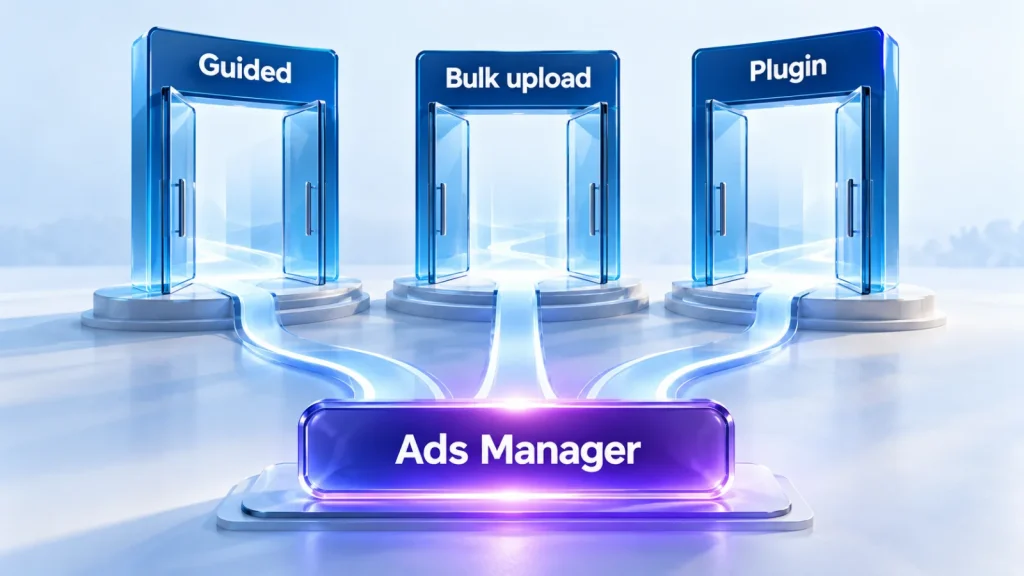
Ads Manager gives you three ways to create and change campaigns. Most accounts use all three as they grow.
The guided workflow
The guided workflow builds one campaign at a time: campaign, then ad group, then ad. It suits a first launch and small changes. For quick edits, hover over a campaign, ad group or ad, open the three-dot menu and select Edit. Use it to adjust a budget, update copy or replace an image.
Bulk upload
Bulk upload creates or edits many objects from a spreadsheet template with three tabs: campaigns, ad groups and ads. Click Create, then Bulk upload, choose the object type and upload the file. OpenAI’s checklist lists the rules that most often cause errors.
- Objectives in the campaign tab are Views or Clicks.
- Dates use the YYYY-MM-DD format, and countries and context hints use JSON, such as [“hint1”, “hint2”].
- Names must be unique and match exactly across the tabs.
- Image links must be public and open straight to the image.
- Keep the header rows and tab names as they are, with no merged cells.
To edit at scale, select the objects and click Export for edit. The file holds the current IDs, so rows with an ID update that object. New rows need the parent’s ID and a blank ID of their own. Watch for one trap. An uploaded list of context hints replaces the old list. It isn’t merged, so always upload the full list.
CSV upload doesn’t currently create product-feed campaigns. Those use the product feed flow in Ads Manager or the plugin. Our product feed guide covers that path.
The Ads Manager plugin
The plugin connects ChatGPT or Codex to the Ads Manager accounts you can access. You ask in everyday words, and it reads, drafts and, with your approval, makes changes. It can:
- Draft titles and descriptions from a website or brief, and show a preview before saving anything.
- Create up to 50 standard ad variants in one request, sharing one approved image and destination.
- Find, compare and analyze campaigns, defaulting to the last seven completed days.
- Trace why a campaign isn’t delivering, without changing anything.
- Run one-time or scheduled reviews that recommend changes but never make them.
- Invite users, change roles and guide a business through creating its own ad account.
Every change shows the current and proposed values and waits for your confirmation. Billing, payment, tax, legal identity and appeals stay in Ads Manager. The plugin doesn’t receive conversion values, so it reports no revenue or ROAS.
Targeting
ChatGPT Ads has no keywords. The conversation’s context decides most of where an ad can appear, guided by your ad, landing page and context hints. Advertisers then get three targeting controls.
| Control | Options | Note |
|---|---|---|
| Location | Countries, and where available regions, cities, markets and postal codes | To target only one country, include it. Excluding others doesn’t restrict delivery |
| Platform | Android app, Android web, desktop web, iOS app and iOS web | No selection means no restriction |
| Custom audiences | Include, exclude or adjust bids for people on your lists | Inclusion needs 25,000 matched users |
Context hints are written on the ad group. They describe the situations your offer fits, and OpenAI says they guide relevance but aren’t targeting rules. Our context hints guide and targeting guide go deeper.
Ads and review
A standard ad has six parts: brand name, logo, title, copy, landing page and image. The title runs up to 50 characters, with 16 to 24 recommended. The copy runs up to 100, with 32 to 48 recommended. Images are PNG or JPG, square and no larger than 1200 by 1200 pixels.
Every ad is reviewed: in review, approved or rejected. Landing pages must be valid and reachable, and OpenAI says you must allow its OAI-AdsBot crawler. Editing a rejected ad sends it back for review, and you can appeal from Ads Manager.
Ads Manager can also suggest a draft from your website’s metadata. OpenAI says this doesn’t generate new copy or imagery with AI. Separately, it announced AI creative tools in September 2026, including opt-in text customization. Try a draft first in our ad preview tool.
Measuring results
Conversion tracking starts in the conversions tab. You create a data source, then send events with the OpenAI Pixel, the Conversions API, or both. Each data source gets an event quality score with warnings to fix.
Reporting covers impressions, clicks, spend, CTR, average CPC, average CPM and conversions, at campaign, ad group and ad level. You can read it in a table, in charts or in CSV exports. Order Created Sales and Order Created ROAS come only from attributed order_created events.
| Data | Typical delay |
|---|---|
| Impressions, clicks and CTR | About 15 minutes |
| Spend | About 7 to 8 hours |
| Average CPC and CPM | Later, once spend settles |
| Attributed conversions | 24 to 48 hours |
The delay explains a common scare. A campaign can show clicks and zero spend for a few hours, and OpenAI says that doesn’t mean no charges have accrued. Our conversion tracking guide covers the setup.
Settings to know
The Settings area holds the account’s people, money and history. Four parts matter most.
| Setting | What it does |
|---|---|
| Users | Invite people as Admin, Member or Viewer. A ChatGPT workspace or API role doesn’t grant Ads permissions |
| API keys | Create keys for the Advertiser API, scoped to the ad account |
| Billing | The billing profile and card. The payment threshold is assigned by OpenAI and isn’t a spend cap |
| Change logs | A history of changes to the account, useful when several people share it |
Some accounts can also set account spend limits for date ranges through the API. An account limit doesn’t allocate budget to campaigns. A campaign can have budget left while the account limit is exhausted. Our guide to sharing account access explains the roles.
Integrations
Ads Manager connects to a growing set of tools. Each one has its own setup and limits.
| Integration | What it does |
|---|---|
| Advertiser API | Manage accounts, campaigns, ads, audiences and reporting in code, with an API key from Ads Manager |
| HubSpot | OpenAI’s first CRM partner, announced in September 2026 |
| Shopify | Connects a catalog and commerce events. Currently for Shopify customers in the US |
| Measurement partners | Send conversions through a supported partner instead of your own code |
| Mobile measurement partners | App installs and in-app events through Adjust, AppsFlyer, Branch and others |
| Google Analytics 4 | A connection in beta, by early access through your account manager. It shares GA4 data with OpenAI and lets you compare attribution with Ads Manager |
How it compares with Google Ads and Meta
This comparison is ours, made from OpenAI’s documentation. The structure will feel familiar: campaigns, ad groups, ads, bids, budgets and a pixel. The differences are in what you control.
| Area | ChatGPT Ads Manager | Google Ads and Meta |
|---|---|---|
| Matching | Conversation context, guided by context hints | Keywords on Google; audiences and interests on Meta |
| Audience targeting | Location, platform and custom audiences | Many more demographic and interest options |
| Bidding | CPM, CPC, conversion optimization, Maximize results | Many more automated strategies |
| Reporting | Core metrics, charts and exports | Deep reporting and attribution tools |
| Formats | Chat cards and product ads; Sponsored Agents in an alpha; a visual format announced for image generation | Many formats across search, display and video |
Fewer controls mean that relevance, creative and the landing page carry more weight. Our comparison with Google Ads covers when to use each.
Limits of the beta
OpenAI says Ads Manager is still evolving. These are the limits it documents today.
- CSV upload doesn’t create product-feed campaigns.
- Custom conversion events can’t be optimization goals.
- Objectives, conversion events and billing options can’t be changed in place.
- There are no published performance benchmarks across advertisers or industries.
- Delivery and spend can fluctuate during the beta.
- Sponsored Agents are a limited alpha, and OpenAI isn’t taking early access requests.
None of these stops a well-run test. They do mean that settings you’d adjust later on other platforms need deciding up front here. Our 30-day test plan puts them in order.
Your first week in Ads Manager
This is the order we’d follow, because it avoids the common delays.
- Create the account with the right country, currency and time zone.
- Add billing and start business verification on day one.
- Install the Pixel and send a test conversion before any campaign goes live.
- Allow OAI-AdsBot and OAI-SearchBot on your landing pages.
- Build one campaign with two or three ad groups, each with its own hints and ads.
- Launch, then check delivery once the spend delay has passed.
Questions
Is ChatGPT Ads Manager free to use?
OpenAI lists no separate fee for the platform. You pay for the ads you run, billed after delivery when unpaid spend reaches your payment threshold, and at month end. Each campaign also has a minimum daily budget set by your billing currency.
How do I log in to Ads Manager?
Go to ads.openai.com and sign in with an OpenAI account. If you don’t have an ad account yet, the sign-up flow creates one for your business. If you belong to several accounts, the same login switches between them. Choose your country, currency and time zone carefully, because they can’t be changed later.
Can an agency run my Ads Manager account?
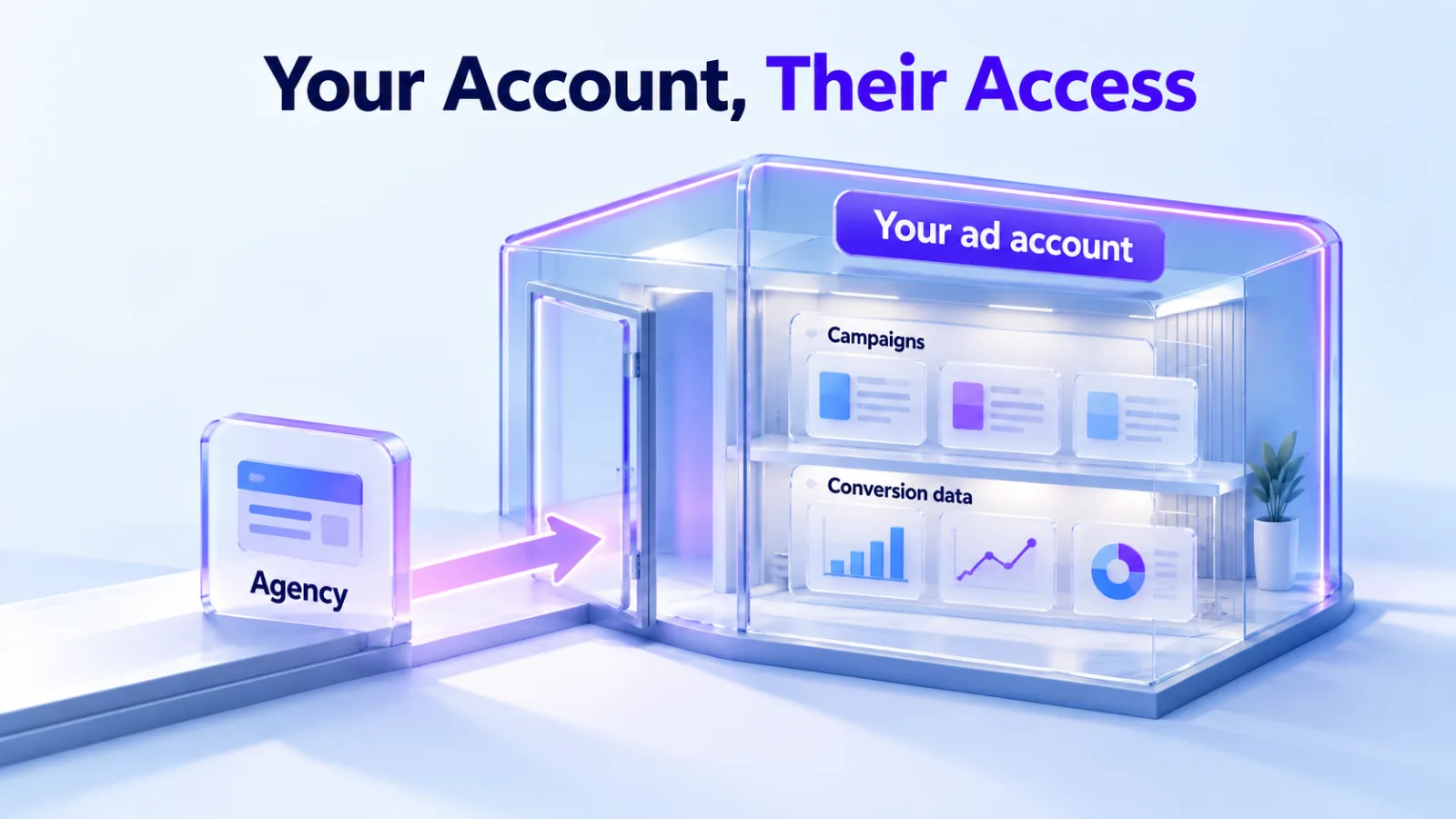
Yes. OpenAI’s guidance is to have one person create the account and invite the others. You can invite an agency as an Admin, Member or Viewer, and the account stays yours. We recommend the business creates the account in its own name. That’s how our ChatGPT Ads management service works.
Does Ads Manager work outside the US?
Yes, in the 63 countries on OpenAI’s availability list. Your legal entity must be based in a listed country. Some new accounts can advertise only in their home country at first, until verification is approved and spend reaches the required level.
Can I manage Ads Manager through an API?
Yes. The Advertiser API covers accounts, campaigns, ad groups, ads, audiences, conversion setup and insights. You create a key in Ads Manager under Settings, scoped to that ad account. Bulk jobs can hold up to 1,000 operations each. It suits teams that manage many accounts or want reporting in their own tools.
What’s the difference between Ads Manager and the plugin?
Ads Manager is the platform itself. The plugin is a way to work with it from ChatGPT or Codex, by asking in your own words. It drafts, analyzes and recommends, and makes changes only after you confirm. Billing, legal identity and appeals still happen in Ads Manager.